I am learning flutter from JustAcademy, They provide very much great environment where people gather and work simultaneously. totally project based training institute.
MOHD ABU BAKAR ANSARI
Flutter Developer
Awesome Experience. I am a Front-end Web Designer working at Star India for 3 years now. I applied for Full-stack development and my experience has been phenomenal & they really do help with placements exceptionally. Thank you Roshan sir so much.
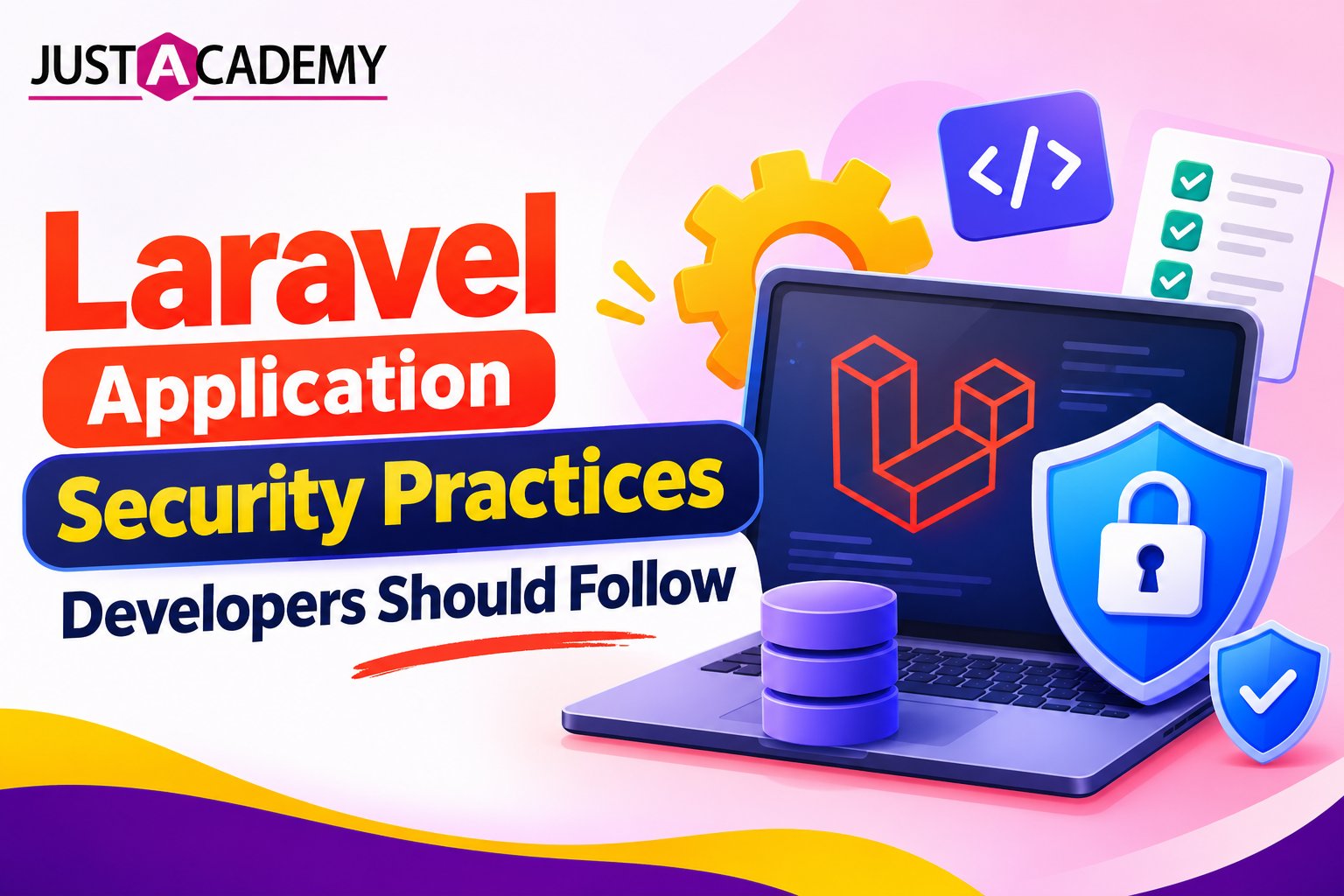
A practical guide for Hyderabad developers who want to build safer Laravel applications through live interactive, instructor led and mentor led learning
Every developer who has spent real time with the Laravel framework knows the feeling of how quickly a feature comes together. A route, a controller, a Blade view, and suddenly there is a working page. That speed is the best thing about Laravel, and it is also the reason security gets pushed to "later" in so many projects. The uncomfortable truth is that PHP security vulnerabilities rarely announce themselves. They sit quietly inside a loose validation rule, a forgotten debug flag or an API route nobody remembered to protect, until the day someone finds them.
If you are a developer in Hyderabad, this matters more than you might think. The city's product companies, startups and service firms hire Laravel talent constantly, and the people who get picked are the ones who can ship features and defend them. If you are still building that foundation, the Laravel training in Hyderabad from JustAcademy walks you through the framework with live interactive sessions, and you can see how a class actually feels by booking a free demo session before you commit to anything.
This guide is written the way a good senior colleague would explain it over a long coffee. We will go through installation, authentication, input handling, APIs, frontends, real project types, logging, hosting and the habits that keep a codebase healthy. Along the way you will see why an instructor led session and a mentor led session make such a difference to how deeply this material sticks, especially for learners in Hyderabad who attend online while JustAcademy runs its classroom campus in Mumbai.
Why Hyderabad Employers Quietly Test Security Before Anything Else
What Hiring Managers Actually Ask
Walk into a technical round at a Hyderabad product company and you will notice a pattern. The questions begin gently, with routing and Eloquent relationships, and then they turn. How would you stop a user from editing another user's order? What happens if someone floods your login endpoint? Where do you keep your API keys? These are not trick questions. They are the interviewer's way of discovering whether you have ever thought beyond "it works on my machine."
Candidates who answer calmly, with specifics like policies, throttling and environment based secrets, stand out immediately. Candidates who reply with generalities tend to fade. If you want a broader view of how a career in this stack unfolds, the breakdown in this guide on the Laravel developer career path, skills, salary and future scope gives useful context on where security knowledge sits among the other skills employers value.
How PHP Security Vulnerabilities Show Up in Real Projects
When people hear the phrase PHP security vulnerabilities they picture dramatic attacks. In practice the causes are usually mundane. A developer disables CSRF protection on a route to make a quick test pass and never turns it back on. A raw SQL query gets built with string concatenation because the Eloquent version felt slow to write. An uploaded file is saved with its original name inside a public folder. A .env file is committed to a repository that was supposed to be private but turned public six months later.
None of these require genius to exploit. They require patience and a scanner. That is why the habits in this article matter more than any single clever trick. Security in Laravel is mostly a collection of small, boring decisions made consistently.
Where Mentor Led Learning Changes the Outcome
Reading about security and practicing it are very different experiences. In a mentor led session, someone looks at your actual code and says, politely but directly, that this query is unsafe and here is why. That feedback loop is almost impossible to reproduce with videos alone. You make the mistake in a safe environment, you see the consequence, and the correction becomes part of how you think. It is the closest thing a learner can get to working beside a senior engineer at a good laravel development company, without waiting years to earn that seat.
Starting Clean With Installation, Environment and Configuration
Install Laravel via Composer the Careful Way
Plenty of beginners type "laravel download" into a search bar and hope for a zip file. Laravel does not really work that way. The standard route is to install Laravel via Composer, which pulls the framework and its dependencies from trusted package sources and gives you a project skeleton you can update. Running composer install Laravel style commands on a fresh machine is routine, but it is worth pausing on what composer in Laravel actually does for security.
Composer locks every dependency to a specific version in the lock file. That file is your record of exactly what code is running. Commit it. Run composer audit regularly so known issues in packages get flagged before an attacker finds them. And only install packages from sources you recognise, because a careless dependency is a door left open in your own house. The official Laravel docs and the framework's website at laravel com are the right places to confirm installation steps, so you are not following a random blog from 2018.
Keeping the Laravel Environment File Out of Trouble
Your Laravel environment file holds database passwords, mail credentials, payment keys and the application key. Treat it like a bank card. It must never enter version control, which means checking that .env sits in your gitignore from the first commit. In production, set the debug flag to false, always. A debug page left on in a live Laravel website can reveal file paths, environment values and stack traces to anyone who triggers an error.
Also remember that the web server's document root should point to the public directory and nothing above it. When the root is set one level too high, files like .env can sometimes be fetched by a browser. It is a classic setup mistake and a surprisingly common one among first time deployers. Running the config cache command in production is a good habit as well, since it makes the application read configuration from one compiled place instead of scattered environment lookups.
Picking the Right Laravel Version and Staying Current
People often ask what the current Laravel version is, and the honest answer is that it changes on a regular yearly rhythm, so the best move is to check the release notes on the official site rather than trust a number you read somewhere. What matters for security is that older Laravel versions eventually stop receiving fixes. Running an unsupported release means any newly discovered flaw simply stays open.
Planning upgrades is part of the job. Tools such as Laravel Shift can automate a large portion of version upgrades by opening pull requests with the required changes, which saves hours and reduces the risk of skipped steps. Knowing your laravel version, its support window and your upgrade plan is a small piece of discipline that separates a professional team from an accidental one.
Guarding the Front Door of Your Laravel Website
Passwords, Hashing and Starter Kits
Laravel hashes passwords using strong algorithms by default, and the Hash facade makes it trivial to do the right thing. The mistake developers make is working around it: storing a reset token in plain text, logging a request that includes a password field, or writing a custom login system because the built in one felt like too much. Starter kits such as Breeze, Jetstream and Fortify exist so you do not have to reinvent authentication, and reinventing it is how subtle bugs sneak in.
Enforce sensible password rules, require email verification for accounts that matter, and consider two factor authentication for anything involving money or personal data. If your application serves users who handle sensitive records, adding a second factor is not a luxury, it is the expected baseline.
Sessions, Cookies and Remember Me Tokens
Sessions are where authentication lives between requests, so their settings deserve attention. In production, make session cookies secure so they travel only over HTTPS, keep them HTTP only so JavaScript cannot read them, and set an appropriate same site policy. Regenerate the session identifier after login to prevent fixation, and invalidate it fully on logout.
Remember me tokens are convenient and risky in equal measure. Keep their lifetime reasonable and make sure a password change invalidates them. A user who resets their password because they suspect trouble should not find that an old device is still signed in.
Authorization With Gates and Policies
Authentication answers who you are. Authorization answers what you may do, and confusing the two causes some of the most damaging bugs. Imagine an invoice page at a URL ending in a number. If the controller simply loads the invoice by that number, any logged in user can change the number and read someone else's invoice. This is called an insecure direct object reference, and it is everywhere.
Laravel gives you gates and policies to prevent it. A policy for the Invoice model states clearly that only the owner or an admin may view it, and the controller calls authorize before returning anything. Pair that with route model binding and, where appropriate, non guessable identifiers like UUIDs. Write the policy once and the rule follows the model everywhere it appears, which is far safer than scattering checks through individual controllers.
Treating Every Input as Hostile
Form Requests and Validation Discipline
The golden rule of web security is that nothing coming from a browser can be trusted. Query strings, form fields, headers, cookies and uploaded files are all input, and all of it can be forged. Laravel's form request classes give you a tidy home for validation rules and authorization logic, keeping controllers thin and rules reusable.
Validate for type, length, format and allowed values. Be strict about what you accept rather than clever about what you reject. And be careful with mass assignment. If your model accepts every field passed to it, a user can add an extra field like is_admin to the request and quietly promote themselves. Define fillable properties deliberately, and prefer validated data from the form request over raw request input when creating or updating records.
SQL Injection and Eloquent Safety
Eloquent and the query builder use parameter binding, which means values are sent to the database separately from the query text. That alone neutralises the classic injection attack, provided you let the framework do its job. Trouble begins when raw expressions enter the picture. Methods such as whereRaw or DB::raw are sometimes necessary, but inserting a user supplied value directly into them is an invitation. Always pass values as bindings, and treat every raw query as something that deserves a second pair of eyes during code review.
Sorting is a sneaky case. Many developers let the user choose a column to sort by and drop that value into an order clause. Whitelist the allowed column names instead of trusting the input.
Cross Site Scripting and Blade Escaping
Blade escapes output by default when you use double curly braces, which protects you from the most common cross site scripting scenarios. The danger lives in the unescaped syntax. Whenever you print user supplied content without escaping, you are trusting that content completely. If you truly need to render rich text, sanitise it with a well maintained library before storing or displaying it.
Add a content security policy header where you can. It will not fix sloppy escaping, but it limits the damage if something slips through. Cross site request forgery protection is the other half of this story, and Laravel's CSRF token, added to forms with the csrf directive, should stay enabled for every state changing web route.
Threat
Laravel Defence
Common Mistake
SQL injection
Query builder and Eloquent bindings
Concatenating user input into raw queries
Cross site scripting
Blade escaped output
Printing unescaped user content
CSRF
CSRF token and middleware
Excluding routes to silence test errors
Mass assignment
Fillable properties and validated data
Passing the whole request to create
Broken access control
Gates and policies
Checking login but not ownership
Data exposure
Debug off and hidden model attributes
Returning full models from APIs
Laravel API Security That Survives Real Traffic
Laravel API Security Best Practices for Tokens and Sanctum
A Laravel API is often the most exposed part of an application, because mobile apps, single page frontends and third parties all talk to it. The foundation of Laravel API security best practices is choosing the right authentication method for the job. Sanctum suits most first party single page applications and simple token needs, while Passport brings full OAuth2 when you need to issue tokens to outside clients.
Give tokens abilities, which are scopes describing exactly what each token may do, and keep their lifetimes sensible. A token that can do everything forever is a liability the moment a phone is lost. Store them on the client carefully, and make revocation easy. Under the hood, always serve the API over HTTPS only.
Rate Limiting, Throttling and Abuse Control
Login endpoints, password reset requests, OTP verification and search routes all attract automated abuse. Laravel's rate limiter lets you define limits per user, per IP address or per any key you choose, then apply them with throttle middleware. A login route limited to a handful of attempts per minute makes brute forcing impractical, while a generous limit on read endpoints keeps legitimate users happy.
Consider what happens when the limit is hit. Return a clear 429 response without revealing whether the account exists. Attackers use differences in error messages to enumerate valid emails, so keep responses uniform.
Laravel API Security Best Practices for React and Vue Frontends
Many modern teams run Laravel as a pure back end behind a JavaScript frontend. That arrangement adds responsibilities. Use API resources to control exactly which fields leave your server, instead of returning raw models that might carry hidden columns. Validate every incoming payload even though your frontend already validates, because anyone can bypass the frontend with a simple request tool.
Version your endpoints so security fixes do not break older clients abruptly. Return consistent error structures that help developers without exposing internals. Those habits, small as they look, are the difference between a demo API and a production one. If you want to practise these ideas on something concrete, the list of Laravel project ideas for building backend development skills is a good place to find API focused builds worth securing end to end.
Seeing these concepts explained live, with a trainer who can pause and answer your exact question, is a very different experience from reading about them. If that sounds useful, you can try a class through the free demo registration page and judge the teaching style for yourself.
When Laravel Meets React and Vue
CORS, CSRF and SPA Authentication
Pairing a JavaScript frontend with a Laravel back end introduces cross origin questions that trip up even experienced developers. Cross origin resource sharing decides which websites may call your API from a browser. Set it narrowly, listing only the origins you actually use, instead of allowing everything because it makes errors disappear. A wildcard policy on an authenticated API is a gift to attackers.
For same domain or sibling subdomain setups, Sanctum's cookie based SPA authentication relies on CSRF cookies and stateful domains. Misconfigure the stateful domain list and logins simply fail, or worse, behave in unintended ways. Take time to read the Laravel docs section on this, because the settings are precise and the mistakes are subtle.
Laravel and React Together Without Leaking Secrets
The combination of react with Laravel is hugely popular, and Hyderabad teams use it constantly. Whether you call it react laravel, laravel and react or react and laravel, the security rule is identical. Anything shipped to the browser is public. Environment variables bundled into a React build are visible to anyone who opens the developer tools, so never place private keys, database credentials or server side secrets there.
Public keys, like a payment gateway's publishable key, are fine. Secret keys belong on the Laravel side, where server code uses them and the browser never sees them. When Laravel with React handles file uploads or payments, route sensitive operations through your back end rather than calling third party services directly from the browser with powerful credentials.
Laravel Vue and Inertia Considerations
Laravel Vue setups, particularly with Inertia, blur the line between server and client in a helpful way, but they carry their own cautions. Props passed from controllers into Vue components are serialised into the page, so anything you pass is readable in the page source. Share only what the component needs. Avoid passing entire user models with sensitive fields, and use resources or explicit arrays to limit exposure.
Developers who want a structured path through the full stack, from Laravel back ends to modern JavaScript frontends, often find that a guided programme like the Full Stack Developer Pro Bootcamp for Hyderabad learners fits well, because the security thinking is practised across both layers instead of being taught in isolation.
Security Lessons From Ecommerce, Booking and CMS Builds
Laravel Ecommerce and Payment Safety
Laravel ecommerce projects raise the stakes because real money moves through them. Never handle raw card details yourself. Use a payment gateway's hosted fields or redirect flow so sensitive data never touches your server. Verify payment confirmation through webhooks with signature checks, rather than trusting a success page the customer's browser lands on, since that page can be reached without paying.
Recalculate prices on the server every time. If a cart total is sent from the browser, someone will change it. Store order amounts, coupon logic and stock counts in the back end, and wrap checkout steps in database transactions so a failure halfway cannot leave an order in a strange state.
Laravel Booking System Pitfalls
A Laravel booking system looks simple until two people try to reserve the same slot at the same second. Race conditions are a security and integrity issue at once. Use database transactions and locking so a slot can be claimed only once, and validate dates and capacities on the server. Also think about enumeration. If booking references are sequential numbers, anyone can walk through them and view other customers' reservations. Use random identifiers and authorization checks on every lookup.
Cancellation and refund endpoints deserve special care, because they directly move money or inventory. Tie each action to the authenticated owner and log it clearly.
Laravel CMS and File Uploads
Whether you build a custom Laravel CMS or extend an existing one, uploads are the highest risk feature. Validate the file's real type and size, generate a fresh random filename instead of trusting the original, and store files outside the public web root, serving them through controlled routes or signed URLs when access must be limited. Never allow executable file types to land anywhere a server might run them.
For rich text editors in a CMS, sanitise stored HTML, and give editors only the permissions their role requires. A content editor should not be able to install plugins or change user roles, and policies make that separation easy to enforce.
If you would like a printable overview of how JustAcademy structures this kind of learning, the course brochure is available to download, and it is a handy thing to keep beside you while you compare training options.
Logs, Errors and the Quiet Art of Scanning
Laravel Log Habits That Help Without Leaking
The Laravel log is your black box recorder. When something goes wrong at three in the morning, the log tells the story. Good logging records who did what, when and from where, especially for logins, password changes, permission edits and payment events. Bad logging records everything, including passwords, tokens and full card numbers, turning a diagnostic tool into a data breach waiting to happen.
Review what your application writes. Mask sensitive fields, rotate log files so they do not eat the disk, and ship logs to a central service in production so a compromised server cannot erase its own tracks. Tools like Telescope are wonderful during development, but restrict or disable them in production, since they expose request details by design.
Designing a Laravel 404 Page and Safe Error Pages
It sounds trivial, but the Laravel 404 page is part of your security surface. A friendly, custom error view keeps visitors oriented while hiding framework details. Placing your own template in the errors folder of your views directory is enough to take over how not found, forbidden and server error responses appear.
There is a subtler point too. When a user requests a resource that belongs to someone else, returning a 404 instead of a 403 can avoid confirming that the resource exists. That small choice reduces information leakage and is a favourite talking point in senior level interviews.
Using a PHP Security Scanner and Dependency Audits
A PHP security scanner will not replace thinking, but it catches the careless slips every team makes. Static analysis tools, dependency audits and automated checks in your pipeline flag outdated packages, risky functions and misconfigurations before they reach users. Run composer audit in continuous integration, and fail the build when a serious advisory appears.
Testing deserves the same seriousness. Automated browser tests built with Selenium can verify that protected pages redirect unauthenticated visitors, that forms reject bad input and that role restrictions hold, turning security expectations into repeatable checks. If you want to learn that side of the craft, the Selenium training in Hyderabad is a natural companion to Laravel work. Likewise, many teams use small scripts to automate log analysis, dependency reporting and repetitive checks, and Python training in Hyderabad gives you the scripting comfort to build those helpers yourself.
Deployment, Hosting and the Team Habits That Keep You Safe
Best Laravel Hosting and Forge
Searching for the best Laravel hosting usually leads to a long comparison of price and speed, but security belongs in that comparison. A good host offers current PHP versions, automatic security patches, firewalls, isolated environments and easy SSL certificates. Laravel Forge is popular because it provisions servers with sensible defaults, handles deployments, manages scheduled tasks and queue workers, and keeps certificates renewing.
Whatever you choose, lock down the basics. Disable password logins over SSH in favour of keys, close unused ports, run the web server as a limited user and apply operating system updates promptly. Back up databases regularly and, importantly, test restoring those backups, because a backup you have never restored is only a hope.
Laravel GitHub, Secrets and CI
Most teams keep code on Laravel GitHub repositories or similar platforms, and that is where secrets accidentally escape. Scan commits for keys, enable branch protection, require reviews for production changes and store deployment credentials in the platform's encrypted secrets rather than in files. If a secret ever lands in history, rotate it immediately. Deleting the commit is not enough, because copies may already exist.
Continuous integration pipelines can run tests, static analysis and audits on every pull request. That turns security from an occasional audit into a daily habit, which is exactly how a mature laravel web development company operates.
Code Quality With Laravel Pint, Shift and Upgrades
Laravel Pint is a code style fixer, so it does not find vulnerabilities directly, but consistent, readable code is far easier to review, and reviewers catch more problems when they are not distracted by formatting noise. Run it automatically in your pipeline. Combine that with scheduled upgrades, perhaps assisted by Laravel Shift, and your project avoids the slow decay that leaves old applications full of known issues.
Document how to deploy, how to rotate secrets and who to call during an incident. The most secure team is not the one that never has an incident but the one that knows exactly what to do when one arrives.
A Pocket Cheat Sheet and a Few Honest Laravel Tips
Your Laravel Cheat Sheet for Daily Work
Every developer eventually keeps a personal Laravel cheat sheet, and for security it can be short. Before launch, confirm the debug flag is off, the environment file is outside version control, HTTPS is enforced and session cookies are secure. Confirm every state changing route is protected by CSRF or token authentication. Confirm every model access goes through a policy. Confirm every input goes through validation and every output through escaping. Confirm rate limits protect login and reset routes, and that logs are masked and shipped away from the server. Confirm dependencies are audited and the Laravel version is supported.
Read that list slowly once, and you will notice it is not exotic. It is simply a set of honest questions asked consistently.
Laravel Tips From Developers Who Learned the Hard Way
A few Laravel tips are worth repeating. Write tests for authorization, not just for features, because broken access control is the most common serious flaw. Treat every dependency as code you are responsible for. Avoid clever shortcuts around the framework's defaults, because those defaults were designed by people who thought hard about attacks. Read release notes. Ask for code reviews and give them generously. And keep learning in a structured order, since scattered knowledge creates blind spots.
If you are mapping out what to learn and in what order, this Laravel developer roadmap for 2026 covering skills, projects and career opportunities lays out a sensible path, and security fits into it at several points rather than being a single chapter at the end. Whether you aim to become a laravel developer at a startup, a php laravel developer at a service firm or a specialist inside a larger team, the same principles carry across.
Why Structured Training Beats Random Tutorials
Live Interactive Sessions That Respond to You
Free tutorials are wonderful, and most of us have learned something valuable from them. The limitation is that they cannot see your screen. Live interactive sessions at JustAcademy mean you can interrupt, ask why a policy failed or why a token was rejected, and get an answer that fits your exact problem. The instructor led session sets the pace and sequence so you meet concepts in a logical order, while the mentor led session gives you personal review of your code and honest feedback on your decisions.
That combination suits Hyderabad learners especially well. JustAcademy is an ISO certified institute with classroom training in Mumbai and Pune, and its live interactive online courses are open to learners across India and beyond, so you can join from Hyderabad with the same teaching quality that attracts people to what many call the best course in Mumbai.
Projects, Placement Support and Career Confidence
Security knowledge becomes real when you apply it to a project, such as an ecommerce checkout, a booking platform or a protected API. Guided projects give you something concrete to explain in interviews, and that explanation is what employers remember. JustAcademy pairs training with placement support, including resume guidance and interview preparation, so the learning connects directly to opportunities.
Choosing a trusted, ISO certified training partner is partly about confidence. You want to know that the curriculum is current, the trainers are practising professionals and the support continues after the last class. A structured path removes guesswork, and guesswork is where most beginners lose months.
Conclusion
Security in the Laravel framework is not a separate subject that appears at the end of a project. It lives in the way you install packages, configure environments, validate input, design APIs, connect frontends, log events and deploy servers. The developers who stand out in Hyderabad's competitive market are the ones who treat these steps as ordinary craftsmanship rather than an afterthought. Start with the basics, build small habits, practise on real projects and keep asking what could go wrong.
If you would like guided help turning these ideas into skills employers notice, JustAcademy offers live interactive, instructor led and mentor led learning with placement support, across Mumbai classrooms and global online batches.
A practical guide for Hyderabad developers who want to build safer Laravel applications through live interactive, instructor led and mentor led learning
A practical walk through React, Express, Node and MongoDB for Hyderabad learners, explained through live interactive, instructor led and mentor led training.
A practical look at instructor led and mentor led live interactive sessions, and how learners in Hyderabad can get classroom quality teaching without leaving the city
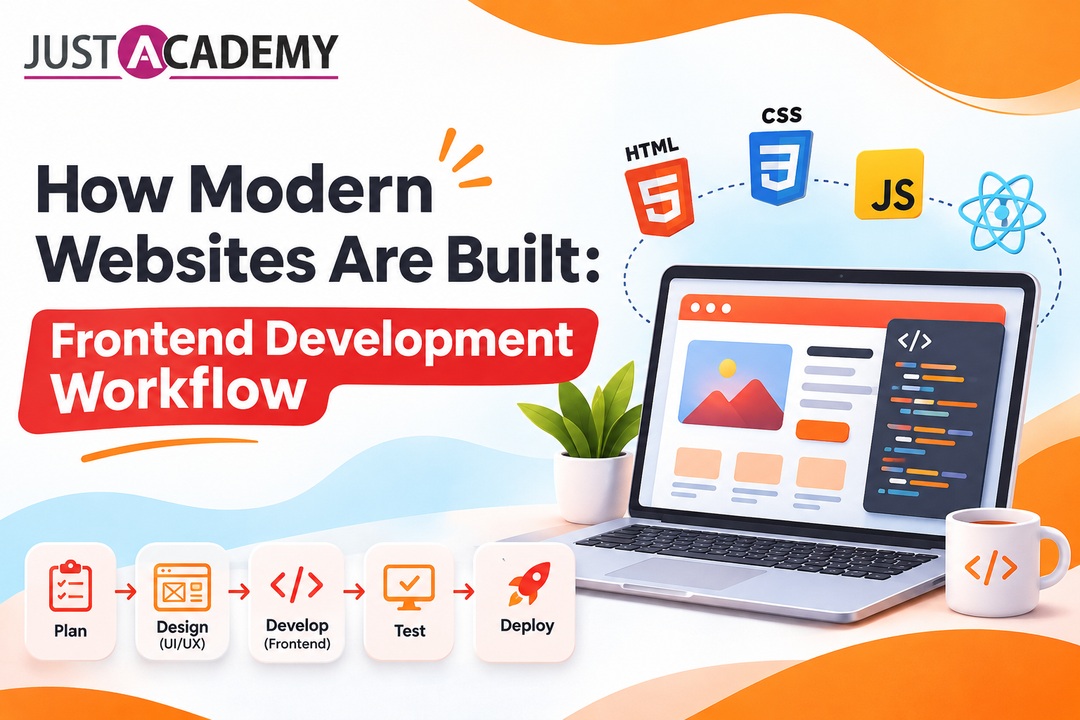
A practical walk through every stage of website development, written for Hyderabad learners who want to think and code like working front end engineers
Drop us a Query
+91 99871 84296
Available 24x7 for your queries
Want To Connect with us
🚀 Kickstart Your IT Career
with JustAcademy
Learn Industry-Focused Courses with Live Projects & Placement Assistance
Full Stack Java(Java, Spring Boot, Hibernate, REST API, React JS)
Data Analytics(Excel, SQL, Power BI, Python, Tableau)