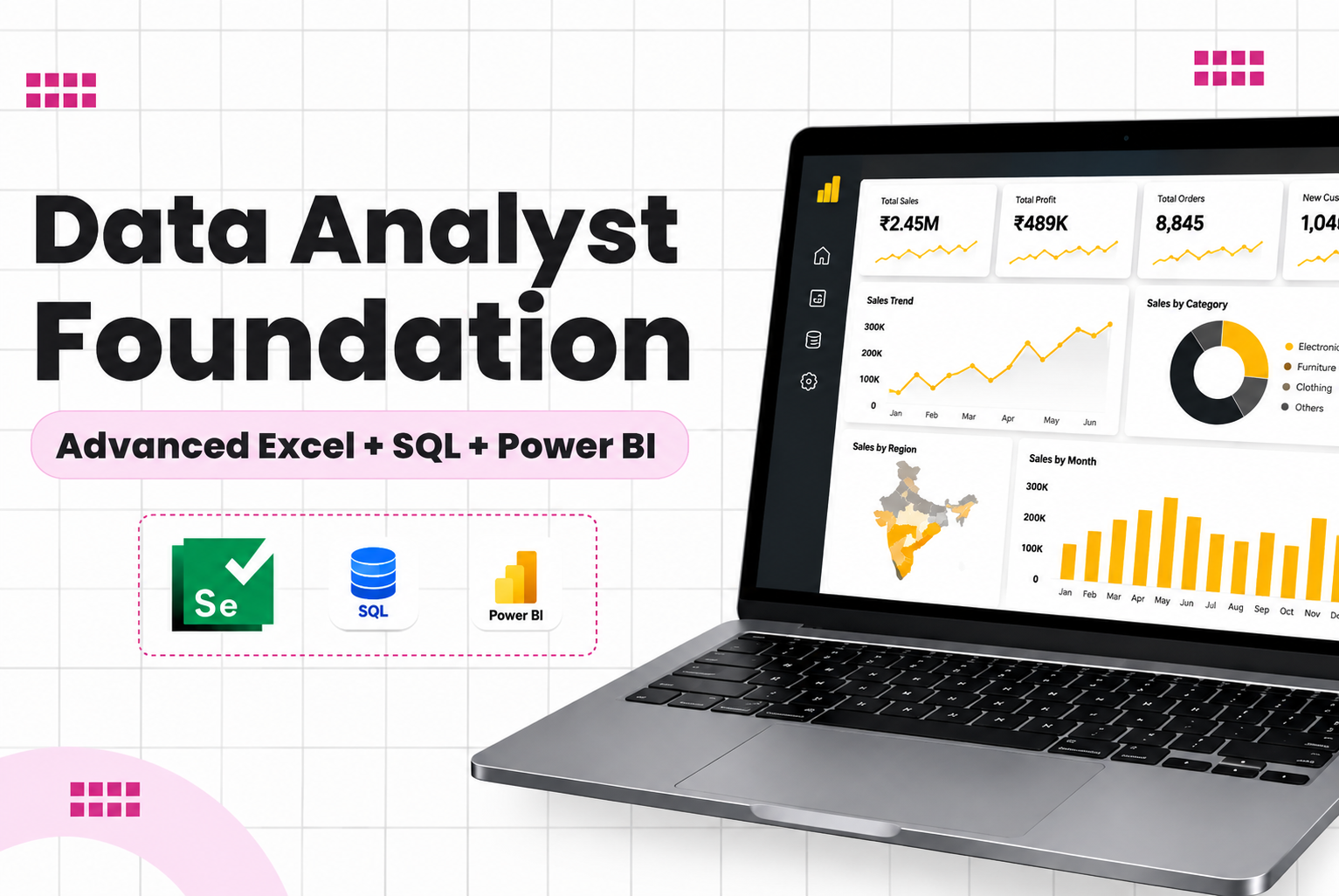
Data Analyst Foundation Advanced Excel SQL amp Power BI TrainingThe Data Analyst Foundation Advanced Excel SQL amp Power BI Training at JustAcademy is designed for freshers graduates working professionals MIS executives and career switchers who want to build practical skills for Data Analytics and Data Analyst roles The program combines
Data Analyst Foundation – Advanced Excel, SQL & Power BI Training
The Data Analyst Foundation – Advanced Excel, SQL & Power BI Training at JustAcademy is designed for freshers, graduates, working professionals, MIS executives, and career switchers who want to build practical skills for Data Analytics and Data Analyst roles.
The program combines three essential technologies used across modern data analysis workflows: Advanced Excel for data preparation and analysis, SQL for extracting and querying data, and Microsoft Power BI for data modelling, visualization, reporting, and dashboards.
Students learn through live instructor-led sessions, hands-on exercises, real-world datasets, practical assignments, and project-based learning. The goal is to help learners understand how business data is collected, cleaned, analysed, visualized, and converted into meaningful insights.
Live Data Analyst Training
This is a live, interactive training program where students learn directly from the instructor and can ask questions, practise concepts, work with datasets, and receive guidance during projects.
Instead of focusing only on theoretical concepts, the training follows a practical workflow:
Excel → SQL → Data Cleaning → Data Analysis → Power BI → Dashboard → Business Insights
This makes the program suitable for learners who want to build a foundation across multiple tools rather than learning only one data analytics technology.
Tools & Technologies Covered
Tool / Technology
Application
Microsoft Excel
Advanced data analysis and reporting
Advanced Excel Functions
Business calculations and analysis
Pivot Tables
Data summarization
Pivot Charts
Visual reporting
Excel Dashboards
Interactive business reporting
Power Query
Data cleaning and transformation
SQL
Data extraction and database analysis
MySQL / Relational Databases
Database fundamentals
Microsoft Power BI
Business intelligence and dashboards
Power BI Desktop
Report development
DAX
Measures and analytical calculations
Data Modelling
Relationships and analytical models
Power BI Service
Publishing and sharing reports
Power BI Visualizations
Interactive data presentation
Excel + SQL + Power BI
End-to-end analytics workflow
What You Will Learn
The Data Analyst Foundation course covers the practical skills required to begin working with business data.
Advanced Excel
Students learn how to use Excel for professional data analysis, including:
Advanced Excel functions
Lookup and reference functions
Logical functions
Text and date functions
Conditional calculations
Data validation
Sorting and filtering
Conditional formatting
Pivot Tables
Pivot Charts
Excel dashboards
Data analysis and reporting
SQL for Data Analysis
SQL is an important skill for extracting information from databases. Students learn practical SQL concepts such as:
SQL fundamentals
SELECT statements
WHERE conditions
ORDER BY
GROUP BY
HAVING
Aggregate functions
INNER JOIN
LEFT JOIN
Multiple-table analysis
Subqueries
Date functions
String functions
Business-oriented queries
Sales and customer analysis
The focus is on using SQL to answer real business questions rather than learning database concepts only from a theoretical perspective.
Microsoft Power BI
Students learn how to convert raw data into interactive business reports and dashboards using Power BI.
The course teaches learners how different tools work together in a professional data analytics workflow.
A typical workflow is:
Raw Data → Excel/SQL → Data Cleaning → Data Transformation → Data Modelling → Analysis → Power BI → Dashboard → Business Insights
For example, a sales dataset can be extracted using SQL, cleaned using Excel or Power Query, analysed using Excel and SQL, and finally presented through an interactive Power BI dashboard.
This integrated approach helps students understand the practical role of different tools within data analytics.
Practical Data Analyst Projects
Project-based learning is an important part of the program.
Students can work on projects such as:
Sales Analytics Project
Analyse sales revenue, products, customers, regions, orders, and monthly performance.
E-Commerce Analytics Project
Study products, orders, customer behaviour, revenue, and sales trends.
HR Analytics Project
Analyse employee data, departments, attrition, hiring, and workforce information.
Financial Analytics Project
Build reports covering revenue, expenses, profitability, and financial KPIs.
Marketing Analytics Project
Analyse campaigns, leads, conversions, channels, and marketing performance.
Final Data Analytics Project
Combine Excel + SQL + Power BI to create an end-to-end analytics project and interactive dashboard.
These projects can help students build a portfolio that demonstrates practical data analysis capabilities.
Career Opportunities
After developing practical skills in Advanced Excel, SQL, and Power BI, learners can explore roles such as:
Data Analyst
Junior Data Analyst
Business Analyst
MIS Analyst
Reporting Analyst
BI Analyst
Power BI Analyst
Business Intelligence Analyst
Data Visualization Specialist
Operations Analyst
Reporting Developer
Junior Business Intelligence Developer
Actual job opportunities depend on experience, skills, location, portfolio, interview performance, and employer requirements.
Data Analyst Salary in India
Data Analyst salaries vary depending on experience, location, technical skills, company, and job role. The following ranges are indicative and not a salary guarantee.
Experience
Indicative Salary Range
Fresher / Entry Level
₹3–6 LPA
1–3 Years
₹5–10 LPA
3–5 Years
₹7–15 LPA
5+ Years
₹10–20 LPA+
Professionals who combine Excel, SQL, Power BI, data visualization, business analysis, and domain knowledge may qualify for a wider range of analytics and reporting roles as their experience grows.
Cities for Data Analyst Careers
Data analytics opportunities are available across India's major technology, financial, consulting, and business hubs.
Important Tier-1 cities and employment markets include:
Mumbai
Bengaluru
Pune
Hyderabad
Chennai
Delhi NCR
Noida
Gurugram
These locations have opportunities across technology, banking and financial services, consulting, e-commerce, retail, healthcare, manufacturing, logistics, and other industries.
Who Should Join This Data Analyst Course?
This program is suitable for:
Freshers and graduates
Students from technical backgrounds
Students from non-technical backgrounds
Working professionals
MIS executives
Reporting professionals
Excel professionals
Business professionals
Professionals planning a career change
Beginners interested in Data Analytics
Learners preparing for Data Analyst roles
You do not need to become an expert in all three technologies before joining. The program is structured to build your foundation progressively through practical learning.
The bootcamp can be useful for learners who want to expand beyond the foundation of Excel, SQL, and Power BI and explore additional analytics tools and techniques.
Placement Assistance & Career Support
JustAcademy provides placement assistance and career support to eligible students. Support may include resume guidance, project presentation, interview preparation, portfolio development, referrals, and direct company approaches where applicable.
Placement assistance is intended to support students during their job search and does not constitute a job guarantee.
Certification & Project Support
Students receive guidance while working on practical assignments and projects. Completing projects across Excel, SQL, and Power BI can help learners demonstrate their skills during interviews.
The combination of Advanced Excel + SQL + Power BI provides a practical foundation for analysing data, creating reports, developing dashboards, and communicating business insights.
Why Choose JustAcademy?
The Data Analyst Foundation program focuses on live sessions, practical learning, real-world datasets, hands-on exercises, projects, and mentor guidance.
Instead of learning isolated tools, students learn how Excel, SQL, and Power BI can work together in a complete analytics workflow.
Start Your Data Analyst Journey
Build a strong foundation in Advanced Excel, SQL, Power BI, Data Analysis, Data Visualization, Data Modelling, and Business Intelligence through live instructor-led training.
Work with practical datasets, create real-world projects, develop interactive dashboards, and learn how businesses use data to make informed decisions.
Join the Data Analyst Foundation – Advanced Excel, SQL & Power BI Training at JustAcademy and start building practical skills for a career in Data Analytics.
Curriculum
Curriculum will get updated soon.
Ready to Transform Your Career?
Get expert guidance on course selection, pricing, and flexible payment options. Our education counselors are ready to help you succeed.
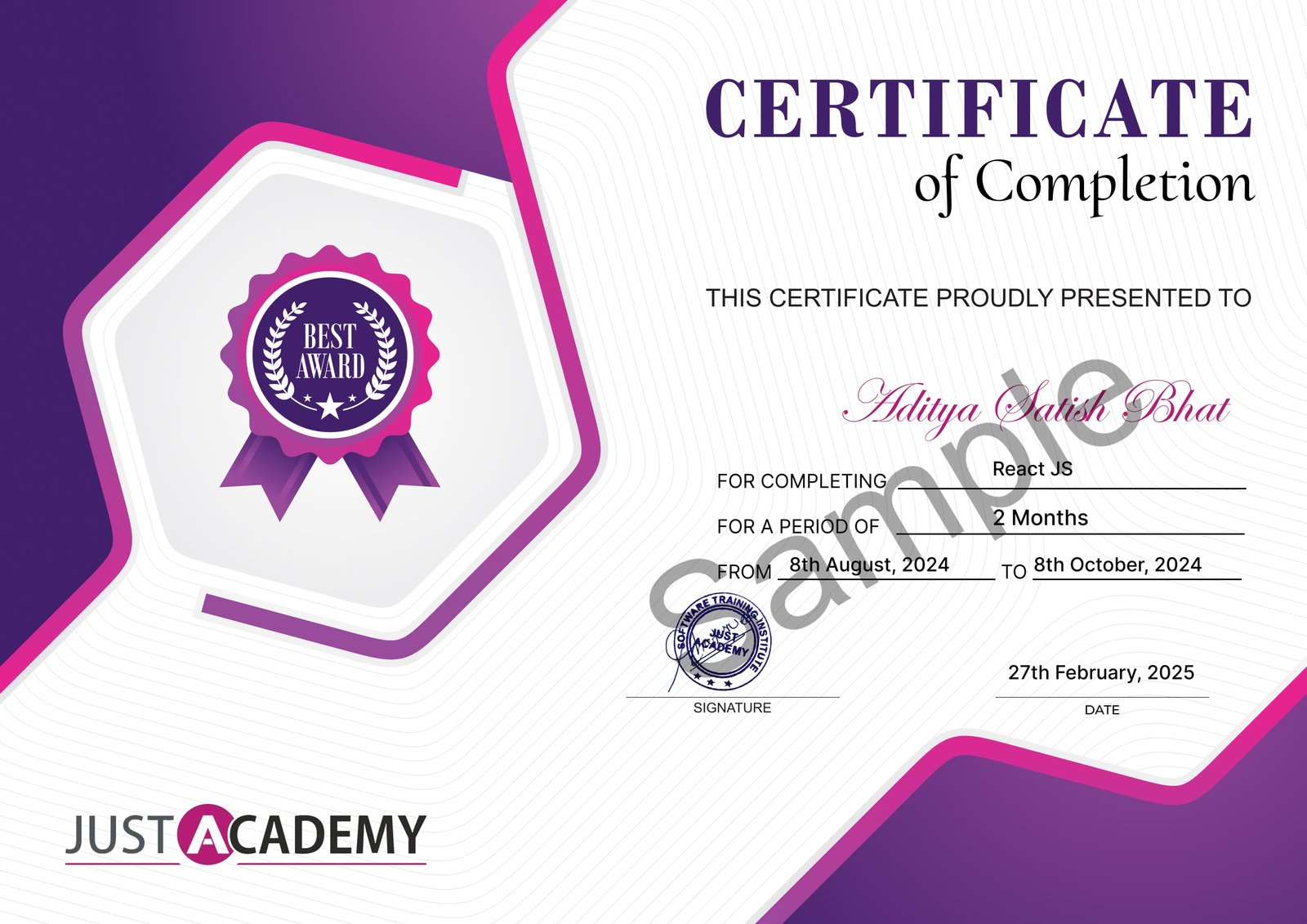
Upon successful completion of the Data Analyst Foundation - Advanced Excel & SQL +&Power BI course, you will receive a certificate from JustAcademy, validating your skills and expertise in this domain.
Industry-recognized certification
Validates your proficiency in Data Analyst Foundation - Advanced Excel & SQL +&Power BI
Enhances your resume and LinkedIn profile
Digital and printable formats available
Sample Certificate
What Makes JustAcademy Institute of Skills Training So Special?
The Data Analyst Foundation – Advanced Excel, SQL & Power BI program is designed as a practical, end-to-end learning path for aspiring Data Analysts. Students learn through live instructor-led sessions and work with real-world datasets to understand the complete data analytics workflow — from cleaning and analysing data in Advanced Excel and extracting information using SQL to creating interactive dashboards and business reports in Power BI. The course combines hands-on exercises, real-world projects, Power Query, DAX, data modelling, dashboard development, mentor guidance, certification support, and placement assistance, helping learners build practical skills and a portfolio for Data Analytics and Business Intelligence opportunities.