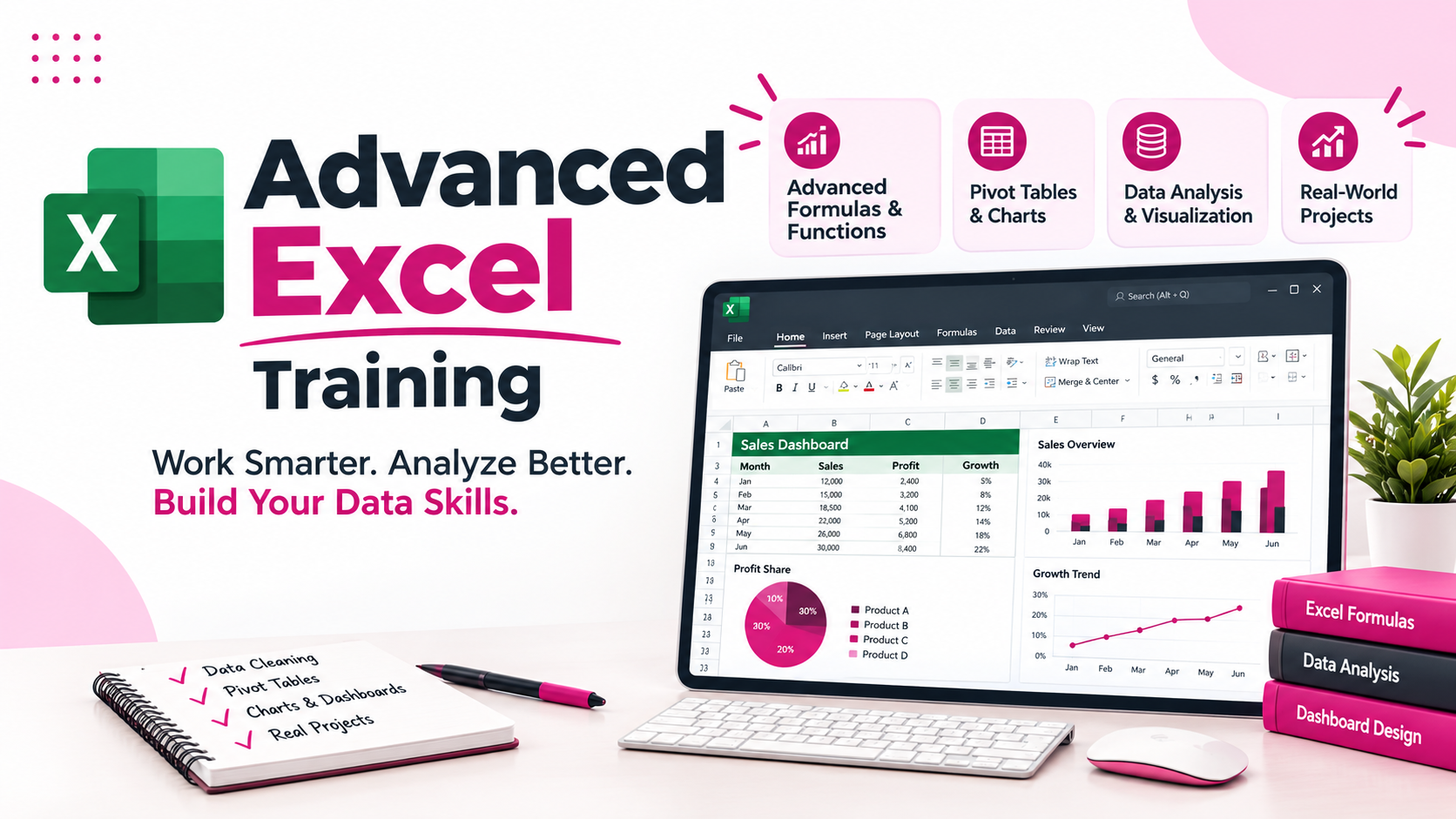
Advanced Excel Course with Formulas Data Analysis and DashboardsThe Advanced Excel Course at JustAcademy is designed for students graduates job seekers and working professionals who want to improve their spreadsheet skills and learn how to manage analyze and present data efficiently Microsoft Excel is widely used across industries for data
Advanced Excel Course with Formulas, Data Analysis and Dashboards
The Advanced Excel Course at JustAcademy is designed for students, graduates, job seekers, and working professionals who want to improve their spreadsheet skills and learn how to manage, analyze, and present data efficiently. Microsoft Excel is widely used across industries for data analysis, business reporting, financial calculations, sales tracking, inventory management, and day-to-day office operations.
This Advanced Excel Training helps learners develop practical skills in Excel formulas and functions, lookup functions, Pivot Tables, Pivot Charts, conditional formatting, data cleaning, data validation, and interactive dashboard creation. Through practical exercises and business-oriented examples, learners understand how to organize raw data, perform calculations, identify useful insights, and create professional reports.
Whether you want to prepare for an entry-level job, improve your productivity at work, or build a foundation for data analysis, this Advanced Excel Course helps you understand how Excel can be used to solve common business problems.
At JustAcademy, the learning approach focuses on practical application, guided exercises, and real-world reporting scenarios. Depending on batch availability, learners can explore classroom training or live interactive sessions. The course is suitable for people who have basic computer knowledge and want to develop stronger Excel skills for academic, professional, or business use.
What Is Advanced Excel?
Advanced Excel refers to the use of formulas, functions, data management features, analytical tools, and reporting techniques to perform tasks beyond basic spreadsheet entry. It helps users process large datasets, automate repetitive calculations, summarize information, and present results in a clear and structured format.
For example, a sales executive can use Excel to calculate monthly sales, compare product performance, and track targets. An HR professional can manage employee records, calculate attendance summaries, and prepare reports. A finance professional can organize expenses, calculate totals, and compare budgets against actual results.
Advanced Excel skills are useful in many job roles because businesses regularly work with structured data. Learning these skills can help you complete repetitive tasks more efficiently and prepare reports with greater consistency.
The Advanced Excel Course at JustAcademy introduces learners to commonly used functions and tools that support data analysis, reporting, and business decision-making.
Why Choose an Advanced Excel Course?
Excel is used in multiple departments, including sales, marketing, finance, human resources, operations, administration, and analytics. Developing advanced spreadsheet skills can help learners handle workplace responsibilities more confidently.
Key benefits of learning Advanced Excel include:
Improved productivity: Use formulas and functions to reduce repetitive manual calculations.
Better data analysis: Organize and summarize datasets to identify patterns and trends.
Professional reporting: Prepare structured reports, charts, and dashboards for business use.
Efficient data management: Sort, filter, clean, and validate information.
Business decision support: Use summarized data and KPIs to understand performance.
Career preparation: Develop practical spreadsheet skills relevant to many office-based roles.
Foundation for analytics: Prepare for further learning in SQL, Power BI, and data analytics.
An Advanced Excel Training Course is useful for both beginners with basic Excel knowledge and professionals who want to strengthen their existing spreadsheet skills.
Advanced Excel Course Syllabus
The course focuses on important Excel features that are commonly used in business reporting and data analysis. The exact sequence and depth of topics may vary depending on the selected batch.
1. Excel Fundamentals and Data Management
Learn how to work with spreadsheets, worksheets, tables, and structured datasets. This module strengthens the basic knowledge required to use advanced Excel features effectively.
Topics include:
Workbook and worksheet management
Cell references and data types
Formatting cells, rows, and columns
Sorting and filtering data
Working with Excel tables
Freeze Panes and efficient worksheet navigation
Managing and organizing business datasets
These skills help learners maintain organized spreadsheets and prepare data for further analysis.
2. Advanced Excel Formulas and Functions
Formulas and functions are essential for calculations, reporting, and analysis. Learn how to apply appropriate functions to solve practical problems and reduce manual work.
Topics include:
Relative, absolute, and mixed cell references
Mathematical and statistical functions
IF and nested IF functions
AND and OR logical functions
SUMIF and SUMIFS
COUNTIF and COUNTIFS
AVERAGEIF and AVERAGEIFS
Text functions for cleaning and combining text
Date and time functions
Error-handling functions such as IFERROR
Practical exercises can include calculating sales commissions, identifying employees who meet performance targets, calculating monthly totals, and summarizing expenses by category.
3. Lookup Functions
Lookup functions help users find and retrieve information from structured datasets. They are especially useful when working with employee lists, product catalogs, sales records, and inventory files.
Topics include:
VLOOKUP
HLOOKUP
XLOOKUP, where supported by the Excel version
INDEX and MATCH
Exact and approximate matching
Handling missing lookup values
Combining lookup functions with IFERROR
For example, learners can retrieve product prices using product IDs or find employee details using employee codes. These techniques help connect information stored across different tables.
4. Pivot Tables and Pivot Charts
Pivot Tables allow users to summarize large datasets without writing complex formulas for every calculation. They are frequently used for management reports, sales summaries, expense analysis, and performance tracking.
Topics include:
Creating and formatting Pivot Tables
Grouping data by dates and categories
Summarizing values using count, sum, and average
Filtering and sorting Pivot Table results
Using slicers and report filters
Creating Pivot Charts
Refreshing reports when source data changes
By practising these features, learners can turn detailed transaction records into meaningful summaries that are easier to understand and present.
5. Data Cleaning and Preparation
Data analysis becomes more reliable when the source data is accurate and consistent. This module introduces techniques for identifying and correcting common data-quality issues.
Topics include:
Removing duplicate records
Identifying blank cells
Finding and correcting inconsistent entries
Text to Columns
TRIM and other text functions
Find and Replace
Sorting and filtering incorrect values
Data validation and drop-down lists
Preparing datasets for analysis
These techniques are valuable when working with customer lists, employee data, product records, survey results, and business transactions.
6. Conditional Formatting and Data Validation
Conditional formatting helps users highlight important information based on defined rules. Data validation helps maintain consistency by restricting the type of information entered into cells.
Topics include:
Highlighting duplicate values
Applying colour scales and data bars
Creating rule-based formatting
Identifying overdue dates and low-performing results
Setting input restrictions
Creating drop-down lists
Reducing common data-entry errors
For example, a sales report can highlight targets that have not been achieved, while an expense tracker can flag amounts that exceed a defined limit.
7. Excel Charts and Dashboard Creation
Dashboards present important information in a visual format, helping users understand performance without reviewing every row of a dataset.
Topics include:
Column, bar, line, and pie charts
Choosing appropriate chart types
Creating KPI summaries
Designing clear report layouts
Combining charts and summary tables
Using interactive filters where appropriate
Formatting dashboards for presentation
Building reports for business stakeholders
Learners practise converting data into charts and summaries that communicate key findings clearly. Dashboard design also emphasizes readability, accurate calculations, and relevant metrics.
8. MIS Reporting and Business Analysis
Management Information System (MIS) reporting involves preparing structured reports that help businesses monitor operations and performance. Excel is commonly used to prepare recurring reports for managers and teams.
Topics may include:
Daily, weekly, and monthly reports
Sales and revenue summaries
Employee and attendance reports
Inventory and stock tracking
Expense and budget summaries
Key Performance Indicator (KPI) reporting
Report formatting and presentation
Preparing reusable report templates
This module helps learners understand how Excel skills can be applied to common reporting tasks across different departments.
Practical Projects in the Advanced Excel Course
Practical projects help learners apply concepts to realistic scenarios instead of relying only on theory. Project availability and scope depend on the selected batch.
Project 1: Sales Analysis Report
Work with sample sales data to summarize revenue, compare product categories, and identify performance trends.
Skills practised:
Data cleaning and formatting
SUMIFS and COUNTIFS
Lookup functions
Pivot Tables and Pivot Charts
Monthly and category-wise summaries
Project 2: Interactive Sales Dashboard
Create a dashboard that presents business performance through charts, key metrics, and structured summaries.
Skills practised:
KPI calculations
Chart selection and formatting
Pivot Tables
Conditional formatting
Dashboard layout and presentation
Project 3: Employee and Attendance Report
Prepare an employee report using sample attendance and employee records.
Skills practised:
Date and time functions
IF and logical functions
Lookup functions
Data validation
Attendance summaries and reporting
Project 4: Expense and Budget Tracker
Build a spreadsheet to record expenses, classify transactions, and compare spending against planned budgets.
Skills practised:
Mathematical formulas
SUMIF and SUMIFS
Conditional formatting
Data validation
Summary tables and charts
These projects help learners practise the techniques used in spreadsheet-based reporting and develop examples they can discuss during interviews.
Who Should Join the Advanced Excel Training Course?
The course can be useful for people from different educational and professional backgrounds.
Students and graduates: Develop spreadsheet skills that can support academic projects, internships, and entry-level job applications.
Job seekers: Strengthen practical Excel knowledge for roles that involve reporting, administration, operations, or data handling.
Working professionals: Improve reporting workflows and reduce repetitive spreadsheet tasks.
Sales and marketing professionals: Track targets, compare campaign results, and summarize sales performance.
HR and administration professionals: Organize employee information, attendance records, and operational reports.
Finance and accounts professionals: Prepare expense summaries, budget comparisons, and structured financial reports.
Small business owners: Track sales, expenses, inventory, and other business information using spreadsheets.
Basic computer knowledge and familiarity with simple spreadsheet operations are helpful before starting advanced topics.
Career Opportunities After Learning Advanced Excel
Advanced Excel is a supporting skill used across a variety of business roles. The course can help learners build relevant spreadsheet capabilities, but employment depends on factors such as previous experience, communication skills, education, interview performance, and employer requirements.
Potential roles that may use Excel include:
Job Role
Typical Excel Applications
MIS Executive
Recurring reports, summaries, and KPI tracking
Data Entry Executive
Structured data entry, validation, and record management
Reporting Executive
Business reports, charts, and data summaries
Operations Executive
Operational tracking, reconciliation, and performance reports
Sales Coordinator
Sales targets, customer records, and sales summaries
HR Executive
Employee records, attendance, and HR reporting
Accounts Assistant
Expense tracking, calculations, and reconciliation
Junior Data Analyst
Data cleaning, analysis, and preliminary reporting
Advanced Excel can also support learners who plan to continue with SQL, Power BI, or a broader data analytics program. More specialized analytics roles may require additional technical, statistical, and business knowledge.
Learn Advanced Excel with Live Sessions and Trainer Guidance
The Advanced Excel Course at JustAcademy emphasizes practical learning and guided exercises. Depending on the batch, learners may have access to classroom training or live interactive sessions.
Live sessions allow learners to follow demonstrations, practise Excel operations, and ask questions while learning. The aim is to help participants understand not only which function to use, but also when and why it is useful.
Practical learning may include:
Guided demonstrations of formulas and functions
Exercises using sample business datasets
Practice with Pivot Tables and dashboards
Troubleshooting common spreadsheet errors
Report preparation and formatting
Project-based application of Excel concepts
Learners should confirm the available batch format, schedule, project scope, and session arrangements with JustAcademy before enrolling.
Advanced Excel Course and Further Learning Options
Advanced Excel is a useful starting point for learners who want to develop broader data management and analytics skills. Once you are comfortable with spreadsheet formulas, reporting, and data preparation, you can consider learning additional tools based on your career goals.
Explore these related courses at JustAcademy:
Microsoft Power BI Training – Learn about business intelligence, data visualization, and dashboard reporting.
These options can help learners choose a suitable next step based on their existing knowledge and professional objectives.
Placement Assistance and Career Preparation
JustAcademy focuses on helping learners prepare for relevant career opportunities through practical skill development and career guidance. Depending on the program and applicable arrangements, support may include resume building, project presentation guidance, interview preparation, and sharing relevant job opportunities or referrals after training.
Placement assistance does not mean guaranteed employment. Hiring decisions depend on employers' requirements, candidate performance, experience, and available openings.
Learners should confirm the specific career-support services included in their selected batch before enrolling.
Enrol in the Advanced Excel Course at JustAcademy
Develop practical spreadsheet skills with the Advanced Excel Course at JustAcademy. Learn how to work with formulas, lookup functions, Pivot Tables, charts, data cleaning techniques, and dashboards through guided exercises and business-oriented examples.
Whether your goal is to improve workplace productivity, prepare for reporting responsibilities, or begin learning data analysis, Advanced Excel can help you build a valuable professional skill set.
Contact JustAcademy to confirm the current course fee, duration, batch schedule, learning format, and project details. Choose a learning path that matches your goals and take the next step towards improving your Excel and reporting skills.
Curriculum
Curriculum will get updated soon.
Ready to Transform Your Career?
Get expert guidance on course selection, pricing, and flexible payment options. Our education counselors are ready to help you succeed.
Upon successful completion of the Advanced Excel course, you will receive a certificate from JustAcademy, validating your skills and expertise in this domain.
Industry-recognized certification
Validates your proficiency in Advanced Excel
Enhances your resume and LinkedIn profile
Digital and printable formats available
Sample Certificate
What Makes JustAcademy Institute of Skills Training So Special?
The Advanced Excel Course at JustAcademy focuses on practical spreadsheet skills that can be applied to everyday business and reporting tasks. Learners explore advanced formulas, lookup functions, Pivot Tables, data cleaning, charts, and dashboard creation. Practical exercises help learners organize datasets, calculate business metrics, summarize information, and prepare professional reports.
The course is suitable for beginners with basic Excel knowledge as well as working professionals who want to improve their productivity and reporting capabilities.