I am learning flutter from JustAcademy, They provide very much great environment where people gather and work simultaneously. totally project based training institute.
MOHD ABU BAKAR ANSARI
Flutter Developer
Awesome Experience. I am a Front-end Web Designer working at Star India for 3 years now. I applied for Full-stack development and my experience has been phenomenal & they really do help with placements exceptionally. Thank you Roshan sir so much.
A practical guide for Delhi learners covering react native app ideas for beginners, live mentor led practice, and a portfolio that actually gets interviews
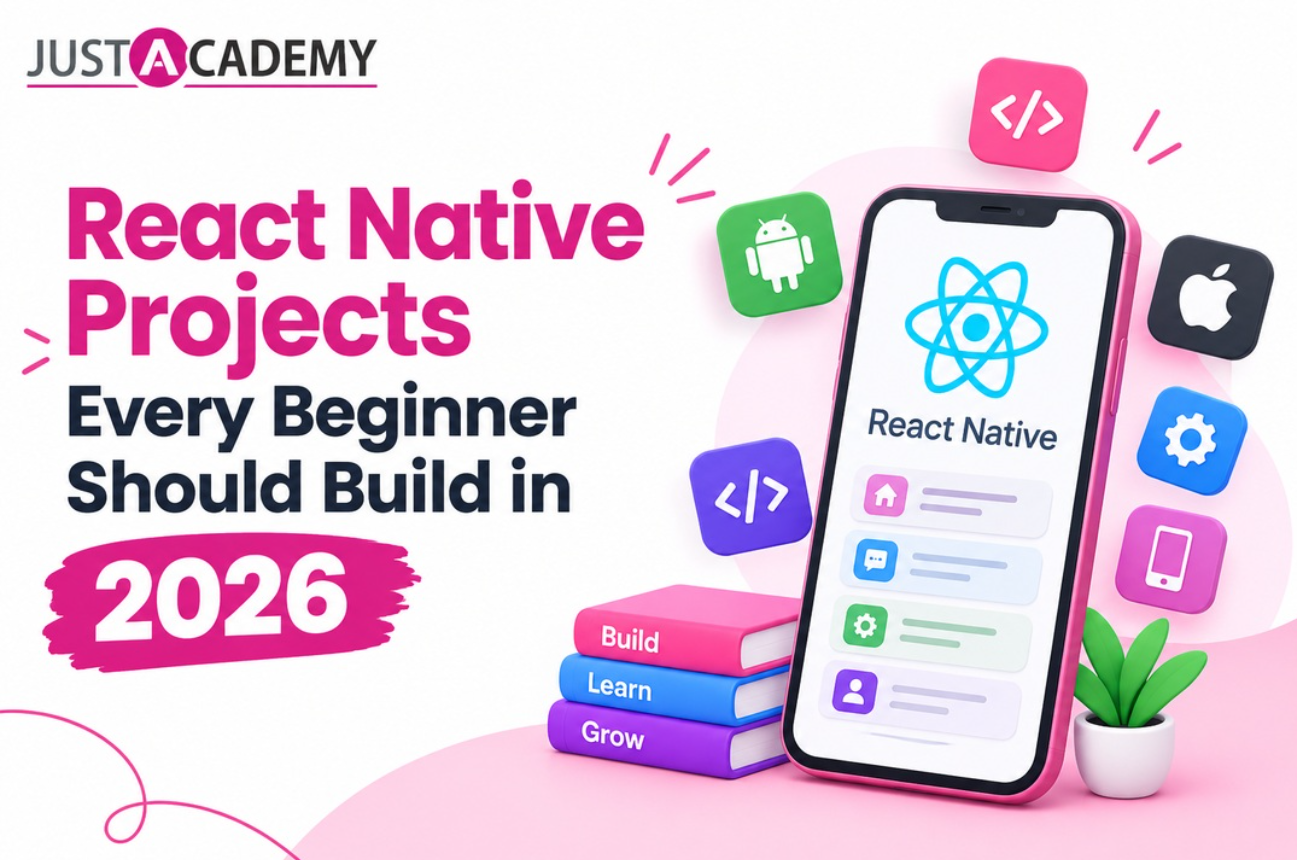
Ask anyone who landed their first mobile developer job in Delhi NCR what actually moved the needle, and you will rarely hear the word certificate. You will hear about the apps they built. A small collection of react native projects, running on a real phone and explained without stammering, speaks louder in an interview than any list of topics on a resume. If you are somewhere between watching your fifth tutorial and wondering what on earth to build next, this guide is written for you.
React native has become one of the most practical doors into mobile development, because one JavaScript codebase gives you an Android app and an iPhone app at the same time. Learning it alone is absolutely possible, but most people in Delhi tell us the hardest part is not the syntax. It is knowing what to build, in what order, and how to get unstuck at eleven at night when a red error screen refuses to go away. That is exactly the gap the React Native training in Delhi at JustAcademy is designed to close, with instructor led classroom batches and live interactive support from working mentors. If you want to feel how a session actually runs before deciding anything, you can register for a free demo class and sit in with a mentor.
In the pages below we will move through the projects in the order that makes sense for a beginner, from your very first basic react native app to products that feel ready for the Play Store. Along the way we will talk about tools, basic concepts, the mistakes everyone makes, and how mentor led practice shortens the whole journey. Grab a coffee, keep your laptop nearby, and read this like a conversation rather than a syllabus.
Why Building Beats Watching When You Are Learning React Native
The Gap Between Following Along and Figuring It Out
Every learner goes through the same quiet trap. You watch a tutorial, you type exactly what the instructor types, the app works, and you feel brilliant. Then you close the video, open a blank file, and nothing comes out. That is not a talent problem. It is the difference between recognising a solution and producing one, and the only cure is to build things where nobody has handed you the answer.
React native for beginners is especially prone to this because the early wins are so visible. A button appears on screen within minutes, and it creates the illusion that you understand layout, state, navigation and data flow. You do not yet, and that is perfectly fine. Projects are how you discover which parts you actually own and which parts you have only borrowed from a video.
What Hiring Managers Around Delhi NCR Actually Notice
Talk to the engineering leads at product startups in Gurugram, Noida and central Delhi, and a pattern shows up. They skim resumes quickly, then open the GitHub links. They want to see whether the repository has a readable structure, whether the app handles an empty list or a failed network call gracefully, and whether you can explain why you chose one library over another.
A react native development company hiring a fresher is rarely hunting for someone who knows every API. They are looking for evidence that you can take a vague requirement, turn it into screens, and ship something that does not crash. Three or four honest projects, each with a short readme and a screen recording, do that job far better than a dozen half finished experiments.
How Learning React Native Through Projects Changes Your Confidence
There is a surprising emotional benefit too. Each finished project gives you a small story to tell, and stories are what interviews are really made of. Instead of reciting what a hook is, you can say that you used a hook to keep a cart total in sync across two screens, hit a bug where the total lagged by one render, and fixed it by moving the calculation. That is the voice of a developer, not a student.
This is also where a good mentor earns their place. In a live mentor led session, someone sits with you the moment you hit that lagging total, asks the right question instead of dumping the answer, and lets you find the fix yourself. You still do the thinking, but you lose the three days of frustration that make many beginners quit.
Setting Up Your Workspace Before the First Screen
The Tools Every Beginner Should Install First
Before you build react native app ideas of any size, you need a stable workspace. The essentials are a code editor such as Visual Studio Code, Node and npm, Git for version control, and either Expo or the bare React Native command line setup. Android Studio gives you an emulator and the Android SDK, and if you own a Mac, Xcode gives you the iPhone simulator.
A lot of people ask which of the many react native tools deserve attention at the start. Honestly, fewer than you think. Learn your editor, learn the terminal basics, learn Git commits, and lean on Expo while you are finding your feet. Debugging tools, state libraries and testing frameworks can wait until your second or third project, when you will actually feel why they exist.
How to Create a React Native App and Run It on Your Phone
The moment of truth is the first launch. To create a react native app, you generate a fresh project from the command line, start the development server, and scan the QR code with your phone. Seeing your own words appear on a physical screen has a way of making everything real. Whether you choose Expo or the bare workflow, the goal of this step is simply to confirm that your machine, your phone and your code can talk to each other.
When people search for how to create new project folders in react native, they often get lost in version mismatches and path errors. A short tip from the classroom: keep your Node version consistent, avoid spaces in folder names, and restart the bundler whenever something feels strange. Half of all beginner problems disappear with those three habits. Your react native first app should be tiny, ideally a single screen with a heading and a button, because the point is the workflow rather than the feature.
Understanding React Features Before You Write Real Code
Many learners arrive from web development and wonder how to move from react to react native without relearning everything. The good news is that the mental model carries over. Components, props, state and hooks work almost identically, and that is why it is so valuable to understand react features properly before you touch mobile specifics. If hooks still feel hazy, the guide on React hooks and state management for 2026 is a friendly refresher that pairs well with this article.
What changes is the vocabulary of the screen. Instead of div and span you work with View and Text, instead of CSS files you write style objects, and instead of a browser you target native components on each device. This is the heart of react for native apps, and once it clicks, JavaScript react native development stops feeling like a new language and starts feeling like the React you already know with a different set of building blocks.
Node is the other quiet partner here. When people ask about node js for react native, the honest answer is that Node powers your tooling, your package installs and later your backend. You will not write Node inside the phone app, but you will rely on it every single day, so it is worth getting comfortable with it early.
Starter Builds That Teach the Basic Concepts
React Native App Ideas for Beginners That Take One Weekend
Let us talk about the first real builds. The best react native app ideas for beginners are small enough to finish in a weekend and focused enough to teach exactly one lesson. A counter app teaches state. A tip calculator teaches inputs and simple math on user data. A unit converter teaches conditional logic and picker components. None of them will win design awards, and that is precisely the point.
These tiny builds are also the cleanest way to meet react native basic concepts in a natural order. You will meet components, props, state, event handlers and styling without being overwhelmed. Even the react native basic code behind a tip calculator, an input field, a few buttons and a result text, covers about sixty percent of what every larger app is made of. When someone asks for a basic react native app example in an interview, this is the level they have in mind.
Try this small exercise to turn a weekend build into real learning. Write your counter app, then change it so the step size can be edited by the user. Then store the last value so it survives a restart. You will have touched state, controlled inputs and local storage without ever opening a course module, and you will remember it far longer than any slide.
Building a To Do List and Learning State Properly
Every developer has built a to do list, and every developer should. It looks trivial, yet it forces you to handle adding, completing and deleting items, which means you must understand how state changes trigger a fresh render. It also introduces FlatList, the component you will use for almost every scrolling screen for the rest of your career.
A solid react native code example for this project is a component that holds an array of tasks in state, a text input for new tasks, and a list that maps each task to a row with a toggle and a delete action. Resist the urge to copy a finished version. Write it badly first, break it, then fix it. The bugs you meet while doing this, mutated arrays, missing keys, inputs that refuse to clear, are the best teachers you will ever have.
Once the basic list works, push yourself a little. Add filters for all, active and completed tasks. Add a due date. Add a small empty state message with a friendly line of text. These tiny polish steps are what separate a tutorial copy from something that feels like a real react native mobile app.
A Sample React Native App for Practicing Navigation
Sooner or later every app needs more than one screen, so your third starter should be a simple quotes or notes app with a list screen and a detail screen. This is your gateway to navigation, passing parameters between screens, and understanding how the back button behaves on Android versus iPhone.
A sample react native app like this also teaches you to think in flows. A user taps a note, sees its detail, edits it, returns to the list and expects the change to be visible. Getting that flow right forces you to decide where state should live, which is one of the most important design decisions in the whole react mobile app world. Many learners find this is the project where react native for beginners finally stops feeling like magic and starts feeling like engineering.
If you want a map of where these early projects sit in the bigger picture, the React Native developer skills guide for beginners lays out which abilities matter most at this stage and which can wait.
Intermediate React Native Apps That Look Great in a Portfolio
Weather and Recipe Finder Apps With Real API Calls
The jump from starter projects to intermediate ones is the jump from local data to remote data. A weather app is the classic choice, and for good reason. You call a public API, wait for a response, show a loading indicator, handle a failure, and render the result in a pleasant card. In Delhi, where the weather swings from fog to dust to monsoon, you will at least have an app you genuinely want to open.
A recipe finder does the same thing with richer content, images, search and a detail view. These react native apps teach you async functions, effects, error states and how to structure a small service layer so your screens are not cluttered with fetch calls. They also make excellent react native example apps for a portfolio because recruiters understand them instantly.
One piece of advice we repeat in every batch: always build the unhappy path. What does your app show when the network is off, when the city name is wrong, when the API returns nothing? Handling those moments is what makes a build feel professional, and it is exactly the type of detail a mentor will push you toward during a live interactive review.
Expense Tracker and Habit Tracker for Data Handling
Next, build something that stores data over time. An expense tracker lets users add amounts, tag categories and see monthly totals. A habit tracker lets them tick days off a calendar and watch a streak grow. Both force you to design a data shape, persist it on the device, and calculate summaries, which is the daily bread of application development.
This is also a good moment to introduce a state management approach beyond simple component state. Context or a lightweight store will keep your totals consistent across screens, and you will feel the benefit instantly. Add a simple chart or progress ring and your build starts to look like something you would genuinely download.
These projects make wonderful conversation pieces in interviews. You can talk about why you picked a particular storage method, how you handled currency formatting, and what you would change if ten thousand users started using it. That kind of reflection shows maturity, and it comes naturally when you have built the thing yourself.
Ecommerce Catalog With Cart That Mirrors Real Product Work
If you only have time to build one large project before applying for jobs, make it a small ecommerce app. A product list with images, a detail page, a cart with quantity controls, a checkout summary and a mock order confirmation together touch almost everything a real team deals with. Navigation, state, lists, forms, images and totals all appear in one build.
Most react native app development companies run on projects that look a lot like this, so it is the closest thing to rehearsing for the job. Add search, sorting and a wishlist and you have a portfolio piece that feels substantial. If you later want to take it further with authentication, payments and a real server, the React Native developer roadmap for 2026 shows how to stage that growth without drowning.
This is the stage where many learners say they would love a second pair of eyes on their code. If that sounds like you, the Full Stack Mobile App Development Bootcamp at JustAcademy takes you from these builds into production style apps with mentor reviews at every stage, available in the classroom and as live online training.
Connecting Your App to Servers, Maps and Notifications
Node JS for React Native Backends You Can Build Yourself
Once your front end feels comfortable, it is time to meet the other half of the story. A small backend, written with Node and Express, lets your app store users, products and orders somewhere other than the phone. Many learners are surprised by how quickly this clicks, because the JavaScript you already know simply moves to the server.
Start gently. Build a tiny API with three or four routes, connect it to a database, and let your app read and write through it. Even a notes app with real accounts feels dramatically more serious than one that forgets everything on restart. This is also the first step toward full stack mobile skills, which is where a huge share of junior roles in Delhi NCR are now concentrated.
Authentication and Local Storage Without the Panic
Login screens scare beginners more than they should. The flow is simple once you see it. A user submits credentials, the server returns a token, your app stores that token securely, and every later request carries it. Build the screens first, then the plumbing, and test the failure cases such as wrong passwords and expired sessions.
Pair this with sensible local storage for preferences and cached data, and your app starts behaving like the ones people actually keep on their phones. You will also learn the habit of never trusting the network, which will protect you in every project you touch afterwards.
Maps, Camera and Push Notifications for the Wow Factor
Nothing makes a portfolio pop like a feature that uses the phone itself. A food delivery style tracker with a map, a photo notes app that uses the camera, or a reminder app that sends a push notification all show that you understand the device and not just the screen. Each of these features also teaches permissions, which is a very real part of shipping a react native mobile app.
Treat these as add ons to projects you already have rather than separate builds. Add a map to your expense tracker for location tagged spending, or notifications to your habit tracker for daily nudges. Small upgrades like these turn good projects into memorable ones.
Performance, Profiling and Making Your App Production Ready
Profiling React Native Before Guessing What Is Slow
Beginners often try to fix speed by feel, and it rarely works. Profiling react native apps properly means measuring first. Use the performance monitor to watch frame rates, use the profiler to see which components render too often, and look at network timings to find slow calls. Once you can see the problem, the fix is usually obvious and small.
Make profiling a habit on your larger projects such as the ecommerce app. Scroll a long list on a lower end Android phone, which is how a large share of real users will experience your work. If it feels smooth there, you can be genuinely proud of it, and you will have a great story for your next interview.
Practical Fixes for React Native Performance
Good react native performance usually comes from a short list of habits. Use FlatList instead of mapping thousands of rows by hand, keep list items light, memoise components that receive stable props, and avoid creating new functions and objects on every render when it matters. Compress images and load them at the size you actually need.
Do not chase micro optimisations early. Premature tuning is a classic beginner trap. Build it clearly, measure it, and only then improve the pieces that the numbers point at. Teams value developers who can explain this discipline far more than those who memorise obscure tricks.
From Phone to Browser With React Native Web and Hybrid Thinking
One of the more exciting corners of the ecosystem is reaching beyond phones. React native web lets you reuse a large amount of your code in the browser, and many teams now talk about turning a react native app to web as part of a single product strategy. It will not be perfect for every screen, but it shows how flexible the react platform has become.
This is also where react native hybrid app development comes up in conversation. Some products blend native screens with shared JavaScript code, and understanding that spectrum helps you speak confidently to clients and teammates. You do not need to master it as a beginner, but knowing it exists gives your learning a healthy sense of direction.
Choosing Between React Native, Flutter, Native Android and iOS
Where React Native Wins for Most Beginners
If you already know some JavaScript, react native is usually the fastest path to a working app on both platforms. The community is huge, the job market in Delhi NCR is active, and the skills transfer directly to web development. For a first mobile career move, it is a very sensible bet.
Here is a quick comparison to help you think it through.
Factor
React Native
Flutter
Native Android
Native iOS
Language
JavaScript or TypeScript
Dart
Kotlin or Java
Swift
Platforms from one codebase
Android and iOS
Android and iOS
Android only
iOS only
Best for
Web developers moving to mobile
Highly custom visual interfaces
Deep Android features
Deep Apple features
Learning curve for JS developers
Gentle
Moderate
Steeper
Steeper
Job demand in Delhi NCR
High
Growing
High
Steady
When Flutter Deserves a Serious Look
Flutter shines when you want pixel perfect custom interfaces and smooth animations out of the box. Some teams in Delhi prefer it for that reason, and it is a worthy skill to add later. If that direction excites you, the Flutter training in Delhi program is a natural next step once your react native foundations are in place.
The Case for Going Fully Native on Android or iOS
Some products demand deep platform features, and there is real career value in going native. If you love the Android ecosystem, the Android app development course in Delhi goes deep into Kotlin and the platform itself. If Apple devices are your passion, the iOS training in Delhi covers Swift and the iPhone toolchain. Many strong developers eventually know one cross platform tool and one native stack.
Your Roadmap From First App to Job Offer
A Realistic Timeline for Learning React Native
People love asking how long it takes. A fair answer for a motivated beginner who already knows basic JavaScript is roughly two months to be comfortable with starter projects, another two or three to finish intermediate builds, and a few more to polish a portfolio and prepare for interviews. With daily practice and a mentor, that timeline often shrinks. Treat it as a rough guide rather than a promise, because consistent effort matters far more than the calendar.
The key is rhythm. Two focused hours every day beat a frantic weekend every month. Build, break, fix, repeat, and keep a small journal of what you learned. Looking back at it after a month is wonderfully motivating.
Building a GitHub Profile That Gets Opened
Your repositories are your shop window. Give every project a clear readme with a screenshot or short screen recording, a list of features, and a line about what you learned. Keep commits tidy and messages meaningful. Pin your best four projects, and make sure at least one is a full ecommerce or tracker style app with real data handling.
If you are curious how recruiters think when they scan a profile, the broader advice in the developer roadmap article mentioned earlier is worth a second read, because it connects skills, projects and career stages in a way that is easy to follow.
Talking About Your Projects in an Interview
Prepare to tell each project as a short story. What problem did it solve, what was the hardest bug, what would you do differently, and what did you learn about react native development in the process? Practising this out loud, ideally with a mentor playing the interviewer, builds the calm confidence that written notes never can.
Expect questions about state, lists, navigation, performance and the difference between react native and plain react. If you have built the projects in this guide, you will have lived answers to nearly all of them, and that is a very comfortable place to be.
Why Live Mentor Led Training Beats Learning Alone
Live Interactive Sessions That Keep You Moving
Self study gives you freedom, but it also gives you plenty of ways to stall. In live interactive sessions, you ask a question the moment it appears, watch the instructor debug in real time, and hear the questions other learners ask that you had not thought of. That energy is difficult to reproduce with recorded videos alone, and it is a big reason our batches in Delhi stay engaged.
At JustAcademy, an ISO certified training institute trusted by learners across India, live interactive training is the heart of every program. Whether you join an offline classroom in Delhi, our Mumbai and Pune branches, or live online batches from anywhere in the world, the format is the same: practical, project first and personal.
The Difference Between an Instructor Led and a Mentor Led Session
An instructor led session teaches concepts with structure, so you learn the right things in the right order. A mentor led session goes one step further and focuses on you, reviewing your code, challenging your decisions and nudging you toward better habits. The strongest programs combine both, and that combination is what turns knowledge into employable skill.
Think of it like learning to drive. The instructor explains the controls, while the mentor sits next to you in traffic. You need both, and you especially need the second one when things stop going according to plan.
Placement Support and Online Options for Every Schedule
Skills matter, but so does a clear path to your first role. JustAcademy offers placement support that includes portfolio reviews, mock interviews and guidance on job applications, so your projects reach the right people. Many learners in Delhi also pick our online format when work or college schedules are tight, and the React Native online course gives you the same live mentor led experience from home. Whichever route you choose, the goal is the same, to help you graduate with a portfolio you are proud of. People often call this the best course in Mumbai, and we carry the same standards into every Delhi batch.
Conclusion
The truth about learning react native is refreshingly simple. You do not need a perfect plan, an expensive laptop or a genius level memory. You need a steady stream of small projects, a way to get unstuck quickly, and a few honest people who tell you how to improve. Start with a counter, graduate to a to do list, build a weather app, ship an ecommerce catalog, and keep adding features that scare you a little.
If you are in Delhi and want a guided path with live interactive sessions, mentor led reviews and real placement support, we would love to help. Join a free session to see how it feels, or grab the brochure to explore every program at your own pace.
A practical guide for Delhi learners covering react native app ideas for beginners, live mentor led practice, and a portfolio that actually gets interviews
A practical, honest walkthrough of Swift, Xcode, Windows workarounds, Flutter, React Native and the career paths that open up once you can build for Apple devices
A practical, no nonsense guide to software jobs for freshers, from picking a skill path to cracking interviews and aiming at the highest paying software engineering jobs
40 real questions and detailed answers on Kotlin, Jetpack, architecture, performance and security, so you walk into your next android technical interview ready to talk like a working developer.
From your first line of JavaScript to a react native app on the Play Store and App Store, here is the honest, practical route that beginners in India can actually follow.