I am learning flutter from JustAcademy, They provide very much great environment where people gather and work simultaneously. totally project based training institute.
MOHD ABU BAKAR ANSARI
Flutter Developer
Awesome Experience. I am a Front-end Web Designer working at Star India for 3 years now. I applied for Full-stack development and my experience has been phenomenal & they really do help with placements exceptionally. Thank you Roshan sir so much.
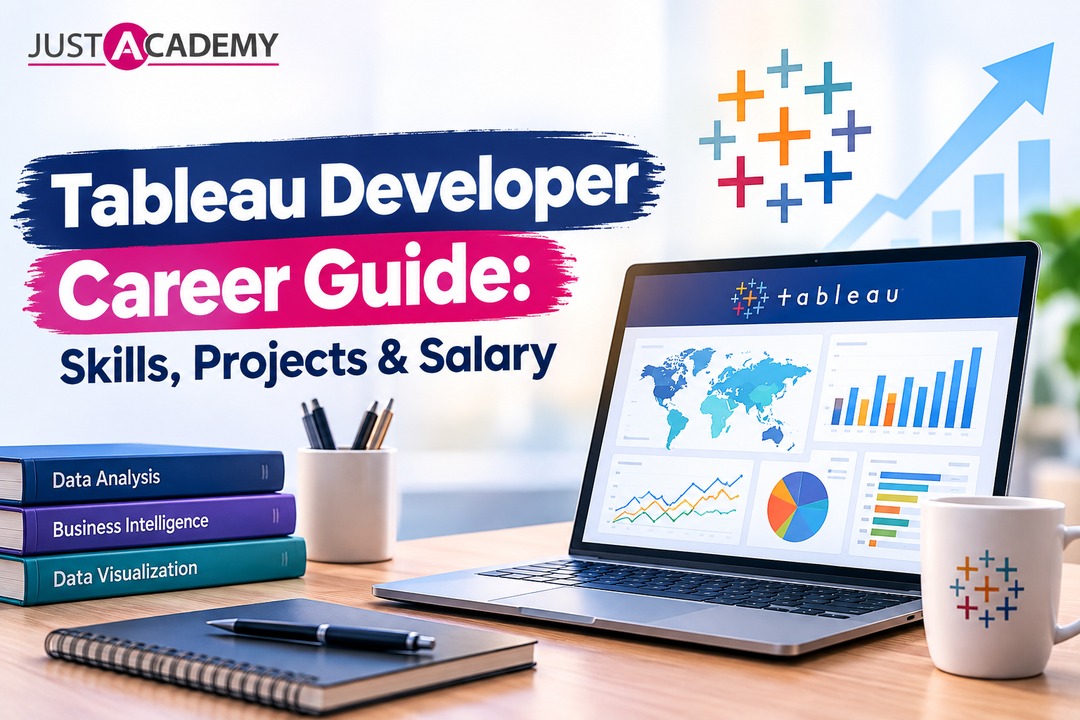
A Pune Learner's Roadmap to Becoming a Job Ready Tableau Developer Through Live, Mentor Led Training
There is a particular moment every aspiring data professional remembers. You open a dataset, drag a field onto a blank canvas, and suddenly a wall of numbers turns into a chart that actually tells a story. That is usually the moment someone falls in love with Tableau. It is not just software. It is the tool that quietly sits behind decisions made in boardrooms, marketing teams, finance departments and hospitals, all because someone knew how to turn raw data into a visual that a non technical manager could understand in ten seconds.
If you are based in Pune and have been circling around the idea of becoming a Tableau developer, this guide is written for you. We will walk through what Tableau actually is, which version you should be using, what skills recruiters expect, what a realistic salary looks like, and how to build a portfolio that gets callbacks instead of silence. Along the way, since JustAcademy runs its offline campus in Mumbai but delivers this exact Tableau training course in Pune through live interactive online sessions, we will also talk about why learning with a mentor beats teaching yourself from scattered videos. If you want to see what a session actually feels like before committing to anything, you can always register for a free live demo class and sit in on one first.
Understanding Tableau: What This Data Visualization Powerhouse Actually Does
At its core, Tableau is a data visualization software that connects to almost any data source you can think of, spreadsheets, SQL databases, cloud warehouses, Google Sheets, and turns that raw information into interactive dashboards, reports and workbooks. It was built on the idea that people understand pictures faster than tables of numbers, and two decades later that idea has made Tableau one of the most requested skills in business intelligence job postings across India and globally.
Tableau Desktop, Tableau Public and Tableau Online Explained
New learners almost always get confused between the different products, so let us clear that up early. Tableau Desktop is the full authoring application you install on your machine, whether you are on Windows or looking for a tableau desktop mac build, and it is where most professional dashboard development actually happens. Tableau Public, on the other hand, is a free version meant for learning and showcasing work publicly. If you search for the tableau public desktop app or want to know how the public tableau com download process works, you will find that anyone can grab the tableau desktop public edition download for free and start practising immediately, with the only condition being that your workbooks get published openly on the web rather than staying private. Tableau Online is the cloud hosted version of Tableau Server, letting teams view and interact with dashboards through a browser, and if you are exploring tableau online for students or just want tableau online public access to practise sharing dashboards, this is where you would look.
Tableau Server vs Tableau Cloud: Picking the Right Environment
Once dashboards move from a single laptop into an organisation, the conversation shifts to Tableau Server versus Tableau Cloud. Tableau Server is self hosted, meaning a company's IT team manages the infrastructure on their own servers, which larger enterprises with strict data governance rules often prefer. Tableau Cloud, previously known as Tableau Online in its enterprise form, removes that infrastructure headache entirely since Salesforce, which owns Tableau, manages the hosting. As a developer, you are unlikely to be asked to choose between the two on day one, but understanding the difference is exactly the kind of question that shows up in interviews for a bi developer tableau role.
Where Tableau Prep Fits Into Your Workflow
Before any dashboard looks good, the underlying data usually needs cleaning, and that is where Tableau Prep Builder comes in. It lets you shape, clean and combine messy datasets visually instead of writing complicated queries, which makes it one of the more underrated parts of the entire tableau prep ecosystem. Most beginners skip this step and jump straight to building charts, but recruiters notice candidates who understand the full pipeline, from raw dataset to finished dashboard, rather than just the final polished output.
Why Pune's Data Job Market Is Waking Up to Tableau Developers
Pune has quietly become one of the strongest IT and analytics hubs outside the metro cities, with global capability centres, fintech startups and consulting firms all competing for people who can make sense of business data. What is interesting is that most of these companies are not hiring pure data scientists for entry level roles. They are hiring people who can build clean, decision ready dashboards, which is exactly what a tableau developer or tableau software developer does.
The Rise of BI Roles Across Pune's IT Corridor
Business intelligence teams in Pune's Hinjawadi, Kharadi and Baner corridors are expanding faster than most people realise, and job titles like junior tableau developer, tableau dev and developer of tableau are appearing regularly on hiring portals. Companies that once relied entirely on Excel reporting are now expecting new hires to walk in already comfortable with tableau visualization and basic tableau data analysis, which is exactly the gap that structured training is meant to close.
Why Live, Instructor Led Training Beats Solo YouTube Learning
It is tempting to think you can learn everything from free tutorials, and resources like tutorialspoint tableau are genuinely useful for quick reference. But most self taught learners hit a wall the moment their dataset does not behave like the tutorial example. Live interactive sessions with a mentor who has actually built dashboards for real clients solve that exact problem, because you can ask why your calculated field is throwing an error instead of pausing a video and guessing. This is precisely why JustAcademy structures its Pune focused programs around instructor led, mentor guided classes rather than pre recorded content alone.
The Skills Every Tableau Developer Needs to Build From Scratch
Becoming job ready is not about memorising every menu option in the software. It is about understanding a handful of core skills deeply enough that you can apply them to a dataset you have never seen before.
Mastering Tableau Dashboards and Visualization Techniques
Good tableau dashboards are not just colourful charts thrown together. They follow a visual hierarchy, guide the viewer's eye toward the most important number first, and use filters and parameters to let users explore data on their own terms. Learning to build clean tableau reports and interactive tableau workbooks is the single most practical skill you can develop, because it is what you will be doing on your very first day at a job.
Understanding Tableau Data Sources and Data Analysis Fundamentals
Every dashboard starts with a connection to a data source, and understanding how different tableau data sources behave, live connections versus extracts, joins versus relationships, is what separates someone who can drag and drop from someone who genuinely understands tableau data analysis. This is also where a basic grip on SQL becomes valuable, since most real datasets you will work with in a company live inside a database rather than a neatly formatted spreadsheet.
Bringing Python and Big Data Concepts Into Your Tableau Toolkit
As you grow more advanced, you will start hearing about tableau and python working together, usually through the TabPy integration, which lets you run predictive models directly inside a dashboard. Similarly, tableau big data handling, connecting to large scale warehouses like Snowflake or BigQuery, becomes relevant once you move beyond entry level work. You do not need to master these on day one, but knowing they exist and understanding roughly how they fit in will make you sound far more credible in an interview than a candidate who has only ever touched a sample Excel file.
Tableau Public Desktop App vs Tableau Desktop: Which One Should You Download First
This is one of the most common questions beginners search for, and the honest answer is that it depends on your goal in that exact moment.
How to Download Tableau Public Desktop Edition
If you simply want to start practising with a dataset for tableau today, without spending anything, downloading the tableau public desktop app is the fastest route. The tableau desktop public edition download process takes a few minutes, and within the hour you can be building your first bar chart. The only trade off, as mentioned earlier, is that anything you build has to be saved publicly, which actually works in your favour later when you need a portfolio link to share with recruiters.
Tableau Version Confusion, Cleared Up
People often get stuck comparing tableau version numbers, wondering if an older release will hold them back. In practice, the core skills transfer almost entirely between versions, and any trainer worth their salary will teach you concepts rather than button locations. What matters more than chasing the newest tableau version is understanding fundamentals well enough that you can adapt when your future employer upgrades or switches environments. It also helps to know that browsing dashboards through tableau public online works slightly differently from authoring in the desktop app, since the online view is meant for consuming and interacting with a published viz rather than editing it from scratch. Some learners still type tableau download public into a search bar out of habit, and that is perfectly fine, it lands you in the same place either way, ready to start practising with a real dataset for tableau within minutes.
Tableau vs Power BI: The Debate Every Beginner Has in Their Head
Almost every learner eventually asks the same question. Should I learn Tableau or Power BI? The truth is that power bi and tableau are both consistently placed in the leaders quadrant of the Gartner magic quadrant business intelligence report, and most mature companies actually use both tools depending on the team. Here is a quick side by side look to make the decision easier.
Aspect
Tableau
Power BI
Best known for
Advanced tableau data visualization software with deep customisation
Tight integration with Microsoft's ecosystem and Excel
Learning curve
Slightly steeper, but rewards depth
Gentler for absolute beginners
Tableau cost and pricing
Premium pricing, tableau software price is generally higher per user
Lower entry cost, especially for smaller teams
Common industries
Consulting, finance, healthcare analytics
Corporate reporting, Microsoft heavy enterprises
Community and resources
Massive tableau public community with shared dashboards
Strong Microsoft documentation and forums
When Tableau Wins
Tableau tends to pull ahead when organisations need genuinely advanced tableau visualization, custom interactivity, or when the team already works heavily with non Microsoft tools. Its handling of large, complex datasets and its flexibility with tableau advanced analytics also give it an edge in analytics heavy industries.
When Power BI Wins
Power BI usually wins when a company is deeply embedded in the Microsoft ecosystem, using Excel, Azure and Office 365 daily, since the integration feels almost seamless. If tableau cost is a concern for a smaller business, Power BI's pricing structure is often easier to justify.
Why Smart Developers Learn Both
The smartest move, honestly, is not choosing one forever but learning both well enough to be flexible. If you want a deeper breakdown of this exact comparison, we have covered it thoroughly in a dedicated piece on which visualization tool is worth learning first in 2026, and JustAcademy's Pune batches also run a Power BI training course in Pune for learners who eventually want both skills on their resume.
From Junior Tableau Developer to Certified Tableau Developer
Once you have the fundamentals down, the next question is always about career progression, and this is where realistic expectations matter more than hype.
Entry Level Tableau Developer Roles and What They Actually Involve
An entry level tableau developer is usually not building strategy from scratch. You will typically inherit an existing dashboard framework, clean incoming data, add new visualizations requested by a business team, and slowly take on more ownership as you prove reliability. This is exactly why practical, project based training matters more than theory heavy courses, because your first few months on the job look far more like troubleshooting than inventing.
The Certification Question
Becoming a certified tableau developer through Tableau's official certification exams can add credibility to your resume, particularly if you are trying to break in without prior work experience. It is not mandatory everywhere, but for freshers competing against dozens of similar looking resumes, a certification badge next to a strong portfolio genuinely helps you stand out during shortlisting.
Tableau Developer Salary Expectations in India and Beyond
Salary naturally varies by city, company size and experience, but broadly, freshers stepping into junior tableau developer roles in India can expect a reasonable starting package that grows steadily as they move toward mid level bi tableau developer positions. Professionals working with tableau development companies that serve international clients, or those who add Python and cloud data skills on top of their core Tableau expertise, tend to see the fastest salary growth. If you are weighing this path against a similar analytics track, our guide on the Power BI developer roadmap and the skills required to become a data analyst is a useful side by side read.
Building a Portfolio: Tableau Dashboard Examples That Get You Hired
No recruiter hires based on a resume that simply lists tableau dashboards as a skill. They want to see actual work, and this is the single biggest thing that separates candidates who get interview calls from candidates who get silence.
Practice Datasets and Where to Find Them
Finding a good dataset for tableau is easier than people assume. Government open data portals, Kaggle, and even a simple tableau google sheets connection using your own tracked expenses or fitness data can become the foundation of a genuinely interesting dashboard. The goal is not to pick the most complex dataset available but to pick something you can tell a story about, since interviewers remember dashboards with a clear narrative far more than technically impressive but confusing ones.
Turning a Practice Dashboard Into a Recruiter Magnet
Once you have built something you are proud of, publish it publicly through Tableau Public so it lives on the platform many recruiters already browse for tableau dashboard examples. Add context, what question the dashboard answers, what insight it reveals, and link it directly on your resume or LinkedIn profile. If you want inspiration before starting your first few builds, we put together a hands on breakdown of beginner friendly Tableau dashboard projects to build a strong portfolio that walks through exactly this process.
Tableau in the Real World: Business Intelligence, Finance and Beyond
Tableau's usefulness stretches far beyond marketing dashboards, and understanding the breadth of where it is used will help you decide which industry you eventually want to target.
Tableau for Finance Teams and Business Intelligence Leaders
Tableau for finance teams often means building dashboards that track revenue, expense trends and forecasting models in near real time, which is a world away from static monthly Excel reports finance departments used a decade ago. More broadly, tableau for business intelligence has become almost synonymous with modern reporting, and companies increasingly expect their bi developer tableau hires to understand basic business metrics, not just chart types.
Where Alteryx, Looker and Tableau's AI Features Fit In
As you get deeper into the ecosystem, you will start encountering complementary tools. Alteryx tableau workflows often pair a powerful data preparation engine with Tableau's visualization strength, while some companies compare looker tableau to decide which cloud native BI stack suits them better. Tableau has also been steadily adding tableau artificial intelligence features, like natural language querying and automated insight generation, and staying aware of these updates keeps your skills from going stale two years into your career.
Tools, Titles and Terms You Will Keep Bumping Into as a Tableau Developer
Every field has its own vocabulary, and Tableau has quietly built a fairly large one. Knowing this language early saves you from feeling lost in your first few job postings, interviews and community forums.
Job Titles That All Mean Roughly the Same Thing
You will see companies advertise for a tableau desktop developer, a tableau dashboard developer, or someone to handle tableau dashboard development, and these titles overlap far more than they differ. A tableau development company serving multiple clients might use slightly fancier titles, but the day to day work, connecting to data sources, cleaning them, building visuals, presenting insights, stays largely the same across the board. Do not get too caught up in the exact wording of a job title when you are applying. Read the actual responsibilities listed instead.
Community, Web Access and the Little Habits That Add Up
Tableau's browser based experience, sometimes searched simply as tableau web, lets stakeholders view and filter a published dashboard without ever installing the desktop software, which is a big reason business teams adopt it so readily. Within the Tableau Public community, features like the site's own highlighted showcase, informally called tableau of the day by regular users, put exceptional dashboards in front of thousands of people, and studying a few of those is genuinely one of the fastest ways to level up your own visual instincts. You will also notice people occasionally search the brand as one word, tableausoftware, or as tableau for public, both of which simply point back to the same free platform for building and sharing work.
Where Bootcamps and Broader Analytics Skills Fit In
If you prefer a fast paced, project heavy format over a longer course, look for a tableau boot camp style program that compresses the curriculum into focused sprints with daily hands on building rather than long theory stretches. And while this guide has stayed centred on Tableau specifically, most job descriptions today blend it with broader analytics tableau expectations, meaning comfort with spreadsheets, basic statistics and clear business communication, not just chart building in isolation. The strongest candidates are the ones who can explain what a trend in tableau actually means for a business, not just how they built the chart showing it. Some hiring managers still phrase the comparison loosely as tableau & power bi when writing job ads, so it is worth being comfortable with both terms appearing interchangeably in postings you come across.
Why Structured Training Changes the Game for Pune Learners
You could technically learn all of this alone, piecing together tutorials, forum posts and trial and error. But there is a reason structured programs consistently produce job ready candidates faster than self study alone.
Live Interactive Sessions With Mentors Who've Shipped Real Dashboards
Live interactive sessions mean you are not learning in isolation. When your calculated field breaks or your join produces duplicate rows you cannot explain, a mentor led session lets you get an answer in minutes instead of hours of searching. JustAcademy's Pune learners join these classes online while the physical campus experience remains available in Mumbai, but the quality of instruction, and the fact that it is genuinely live rather than recorded, stays identical across both.
Placement Support That Goes Beyond a Certificate
Training that ends the moment the course does is only half useful. Placement support, resume reviews, mock interviews focused on real bi developer tableau questions, and guidance on presenting your portfolio, is what actually converts a completed course into a job offer. If you are also exploring adjacent skills, JustAcademy's Pune batches for Python training in Pune and the Data Analytics bootcamp in Pune are both designed to complement a Tableau focused career path rather than compete with it. And if you are still figuring out whether analytics is even the right direction for you without a technical background, this piece on becoming a data analyst in 2026 without a technical background is worth reading before you commit.
Conclusion
Becoming a Tableau developer is not about chasing every keyword on a job description at once. It is about genuinely understanding how data moves from a messy source, through Tableau Prep and Tableau Desktop, into a dashboard someone across the business can actually use to make a decision. Whether you are downloading the free tableau public desktop app tonight to start practising, or you are ready to commit to a structured, mentor led program that gets you interview ready with a real portfolio, the path is very much learnable, and Pune's growing analytics job market is exactly the right place to be building it.
Ready to start building real dashboards instead of just watching tutorials?Register for a free live demo session and experience a mentor led class before you enrol, or download the course brochure to see the full Tableau curriculum, project list and placement support in detail.
Understanding Tableau: What This Data Visualization Powerhouse Actually Does
Tableau vs Power BI: The Debate Every Beginner Has in Their Head
From Junior Tableau Developer to Certified Tableau Developer
Building a Portfolio: Tableau Dashboard Examples That Get You Hired
A practical, Pune focused guide to learning ui ux design with live, instructor led and mentor led Figma training, from your first frame to your first job offer.
A Pune learner's roadmap to picking the right tools for Selenium, building a framework from scratch, and understanding where BDD, Cypress, Playwright and Appium fit into the bigger QA picture
A practical, no fluff guide to what it actually takes to build a career as a PHP Laravel developer, written for learners in Pune who want a real answer, not a recycled one.
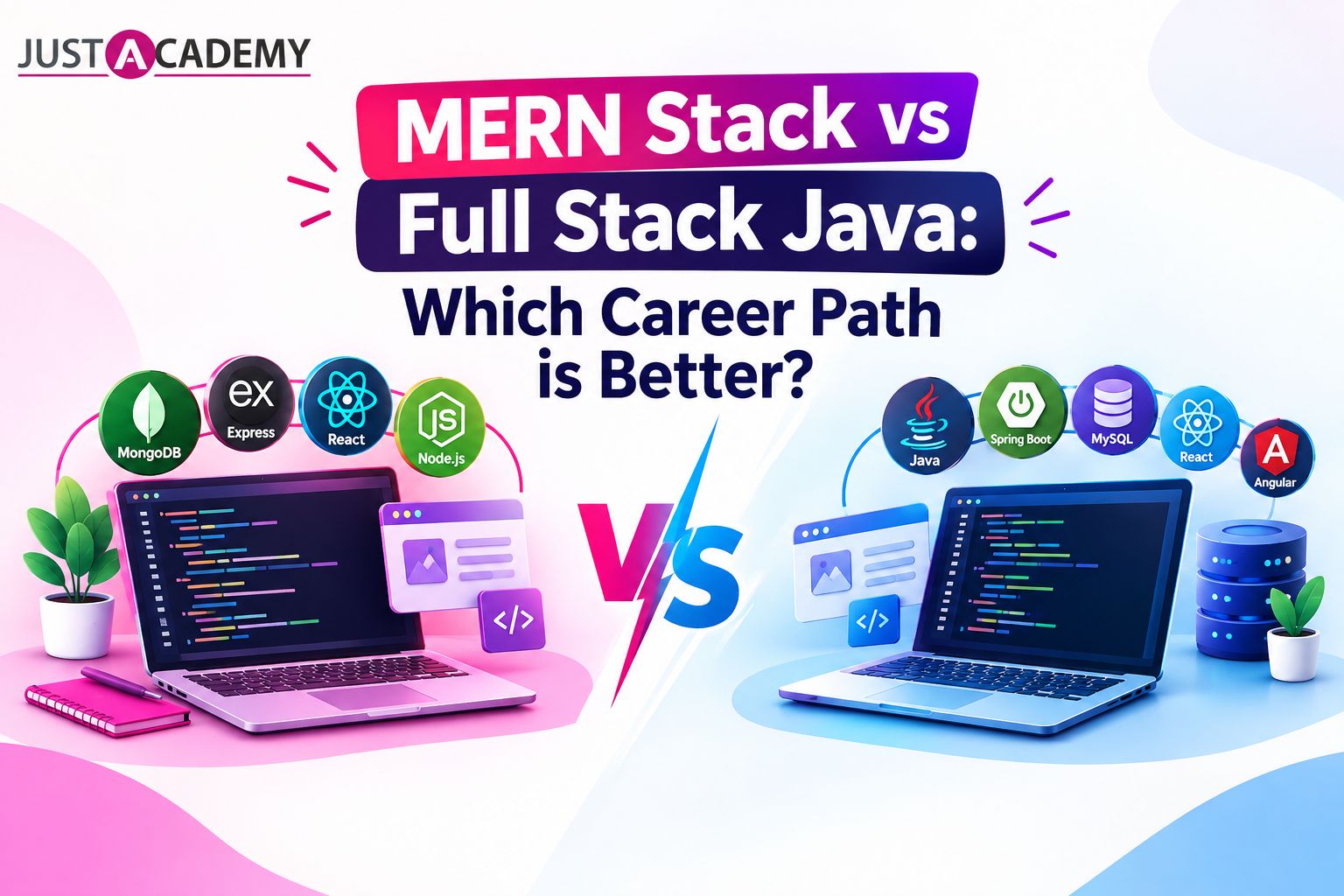
A practical comparison for Pune based learners choosing between MERN and Java full stack development, covering salary, learning curve, job roles, and long term career growth.
Drop us a Query
+91 99871 84296
Available 24x7 for your queries
Want To Connect with us
🚀 Kickstart Your IT Career
with JustAcademy
Learn Industry-Focused Courses with Live Projects & Placement Assistance
Full Stack Java(Java, Spring Boot, Hibernate, REST API, React JS)
Data Analytics(Excel, SQL, Power BI, Python, Tableau)