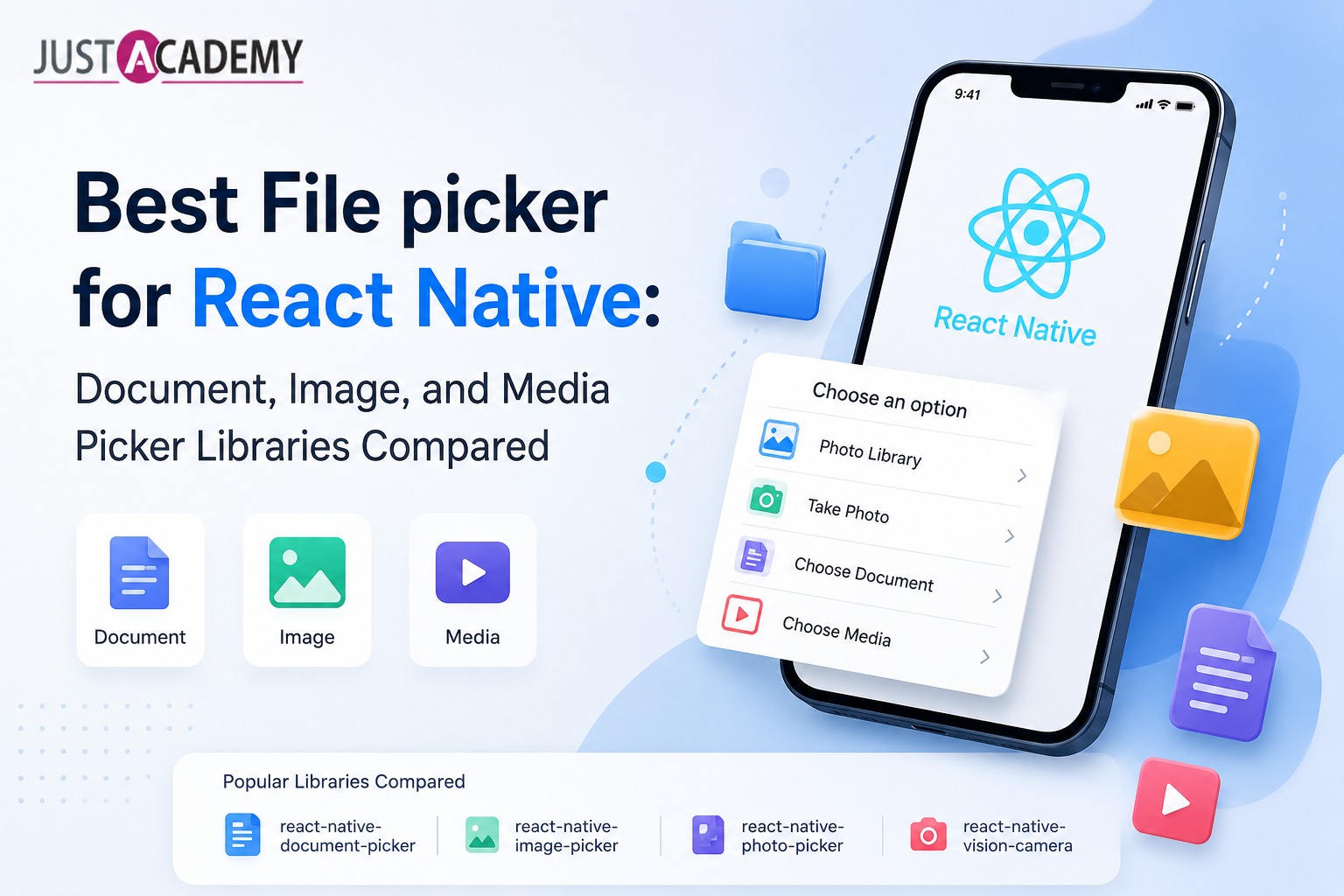
A complete guide to selecting the right file picker library for React Native apps including documents, images, videos, and cloud storage support
Introduction to File Pickers in React Native
File handling is an essential part of modern mobile applications. Whether you are building a chat app, e-commerce platform, or enterprise tool, users often need to upload documents, images, or videos. React Native does not provide a built-in file picker, so developers rely on third-party libraries to access device storage and media.
These libraries simplify file selection and ensure compatibility across Android and iOS while offering access to local storage and cloud services.
Document Picker Libraries for React Native
Document picker libraries are used when your application needs to handle files such as PDFs, spreadsheets, text files, or other document formats.
react-native-document-picker is one of the most popular options. It allows users to select files from both device storage and cloud services like Google Drive or iCloud. It also provides detailed file metadata such as file name, size, and type, making it ideal for enterprise applications and document-based workflows.
For Expo-based projects, expo-document-picker offers a simpler implementation with a clean API. It supports multiple file types and integrates seamlessly without requiring native configuration, making it ideal for fast development cycles.
Image and Media Picker Libraries
For applications that require image or video uploads, react-native-image-picker is the most widely used solution. It allows users to capture photos using the camera or select media from the device gallery.
This library is commonly used in social media apps, profile management systems, and content-sharing platforms where media handling is a core feature. For Expo users, expo-image-picker provides similar functionality within the managed workflow.
Choosing the Right File Picker for Your App
Selecting the right file picker depends on your application requirements. Document-based apps should use react-native-document-picker, while media-heavy applications should rely on react-native-image-picker. If you are using Expo, expo-document-picker and expo-image-picker offer simpler integration and faster setup.
For most applications, combining document and image pickers provides the best user experience, allowing users to upload different types of files efficiently.
Conclusion
React Native offers multiple file picker solutions depending on use cases and development setup. Choosing the right library ensures smooth file uploads, better performance, and a seamless user experience across platforms.
Introduction to File Pickers in React Native
Best Document Picker Libraries for File Uploads
Image and Media Picker Options for React Native Apps
How to Choose the Right File Picker for Your Project