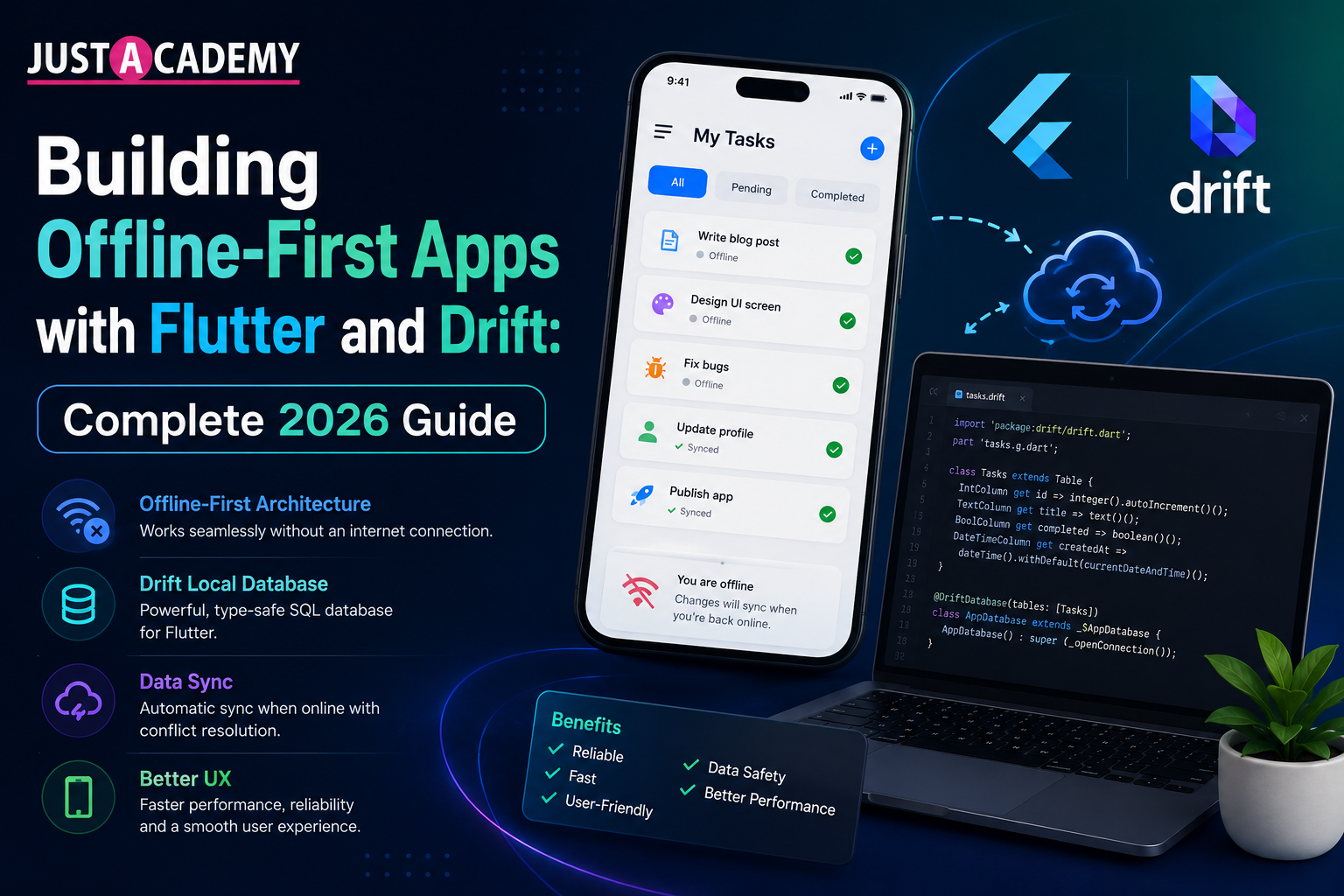
Learn how to build high-performance offline-first Flutter apps using Drift, SQLite, local caching, background sync, and reactive data handling for seamless user experiences.
Building Offline-First Apps with Flutter and Drift: Complete 2026 Guide
Modern mobile users expect apps to work smoothly even when internet connectivity is unstable. Whether users are traveling, working in remote locations, or experiencing slow mobile networks, applications that fail offline often create frustrating user experiences. This is why offline-first app development has become one of the most important trends in modern mobile engineering.
Flutter, combined with Drift (previously known as Moor), provides developers with a powerful ecosystem for creating fast, reliable, and scalable offline-first applications. Drift acts as a type-safe SQLite ORM that allows Flutter developers to manage local databases efficiently while maintaining reactive UI updates and excellent performance. Modern offline-first systems rely heavily on local-first architecture, intelligent synchronization, and efficient conflict resolution to ensure seamless usability.
In this guide, you will learn how offline-first architecture works in Flutter, why Drift is becoming the preferred local database solution, and how developers can implement scalable synchronization systems for real-world mobile applications.
Why Offline-First Architecture Matters in Flutter Apps
Offline-first architecture means your application continues functioning even when there is no active internet connection. Instead of depending entirely on APIs or cloud servers, the application treats the local database as the primary source of truth. Data changes are stored locally first and synchronized later whenever connectivity becomes available again.
This approach improves:
- App performance
- User experience
- Data reliability
- Battery efficiency
- Network resilience
Research and developer discussions around Flutter offline-first systems consistently highlight that users expect instant app responsiveness regardless of connectivity conditions. Many successful Flutter applications now rely heavily on local persistence combined with delayed synchronization models.
Some common real-world use cases include:
- Delivery and logistics applications
- Healthcare management apps
- Inventory tracking systems
- Note-taking applications
- CRM and field-service platforms
- Educational learning apps
For example, healthcare workers visiting patients in rural areas may lose connectivity during travel. An offline-first Flutter application ensures patient records remain accessible and editable without interruption. Similarly, e-commerce inventory apps must continue working even inside warehouses with unstable signals.
Flutter’s reactive UI framework makes it ideal for building such resilient applications because the interface updates instantly whenever local database changes occur.
How Drift Simplifies Local Database Management in Flutter
Drift is one of the most advanced local database libraries available for Flutter. It sits on top of SQLite and provides type-safe APIs, reactive queries, migrations, and code generation for easier database management.
Key advantages of Drift include:
1. Type-Safe Queries
Unlike raw SQL implementations, Drift generates strongly typed Dart classes, reducing runtime database errors and improving maintainability.
2. Reactive Streams
Drift supports reactive programming using streams. Whenever database records change, the UI updates automatically without requiring manual refresh logic.
3. Efficient Local Persistence
SQLite remains one of the fastest and most reliable local storage solutions for mobile devices. Drift simplifies working with SQLite while maintaining excellent performance.
4. Database Migrations
Applications evolve over time, and Drift makes schema migrations safer and easier to manage.
5. Cross-Platform Compatibility
Drift works across Android, iOS, desktop, and even Flutter web implementations.
A typical offline-first Flutter application using Drift follows this flow:
- User performs an action
- Data gets saved locally using Drift
- UI updates instantly
- Background sync process queues changes
- Data synchronizes with remote server when internet returns
This architecture creates apps that feel extremely fast because most operations happen locally rather than waiting for API responses.
Many Flutter developers now prefer Drift over traditional local storage packages because it supports advanced querying, transactions, joins, indexing, and scalable relational database structures.
Implementing Data Sync and Conflict Resolution in Flutter
One of the biggest challenges in offline-first systems is synchronization. Applications must intelligently merge local changes with server-side updates while preventing data corruption.
A strong synchronization strategy usually includes:
Local Write Queue
Every offline action is stored in a queue until connectivity becomes available.
Retry Mechanisms
Failed API calls should retry automatically using exponential backoff strategies.
Connectivity Monitoring
Packages like connectivity_plus help Flutter apps detect internet availability and trigger sync operations.
Conflict Resolution
Conflicts occur when the same data changes both locally and remotely before synchronization happens.
Common conflict resolution strategies include:
- Last write wins
- Timestamp-based merging
- Manual conflict selection
- CRDT-based synchronization systems
Modern Flutter synchronization systems increasingly rely on background workers and queued operations to improve reliability. Community discussions around Drift-based synchronization libraries highlight how critical proper sync handling has become for production-grade Flutter applications.
For scalable applications, developers often combine:
- Drift
- Riverpod or BLoC
- Dio HTTP client
- WorkManager
- JSON serialization
- Background isolates
These tools together create powerful offline-capable mobile architectures.
Learn Flutter App Development with Industry Projects
If you want hands-on experience building real-world Flutter applications with offline-first architecture, local databases, and scalable mobile systems, explore the Flutter Training Course offered by JustAcademy.
The course covers:
- Flutter UI development
- Drift and SQLite database integration
- State management
- API integration
- Firebase and backend systems
- Offline-first architecture
- Mobile app deployment
Students also work on live projects designed around modern mobile engineering practices used in production applications.
Best Practices for Building Scalable Offline-First Flutter Applications
Building a scalable offline-first app requires more than simply storing data locally. Developers must design systems that remain maintainable as applications grow.
Use UUIDs Instead of Auto Increment IDs
UUIDs prevent conflicts when multiple offline devices create records independently.
Keep Local Database as Source of Truth
The UI should always read from the local database rather than directly from APIs.
Optimize Database Queries
Efficient indexing and query optimization improve performance significantly for large datasets.
Use Background Synchronization
Sync operations should run in the background without blocking the user interface.
Implement Proper Error Handling
Applications should gracefully handle failed sync attempts and retry operations automatically.
Secure Local Data
Sensitive information should use encrypted local databases wherever possible.
Write Automated Tests
Testing offline logic, migrations, and synchronization behavior is critical for reliability.
As Flutter continues growing in popularity, offline-first architecture is becoming a major differentiator between basic apps and enterprise-grade mobile platforms. Companies increasingly demand developers who understand local persistence, synchronization logic, and scalable mobile architecture patterns.
Future of Offline-First Flutter Development
The future of Flutter app development is moving toward local-first experiences where apps remain fully functional regardless of network conditions. Technologies like Drift, SQLite, background synchronization engines, and reactive data streams are enabling developers to create applications that feel instant, reliable, and modern.
Offline-first systems also reduce server load, improve battery efficiency, and provide better user retention because applications continue working in real-world connectivity environments.
As businesses demand more resilient mobile solutions, Flutter developers with expertise in Drift and offline architecture will continue seeing strong career opportunities in mobile app engineering.
If you want to build professional Flutter apps capable of handling real-world scenarios, mastering offline-first architecture is no longer optional — it is becoming an essential skill for modern mobile development.
You can also explore related mobile app development courses:
These programs help students build production-ready mobile applications using modern frameworks, databases, APIs, and deployment workflows.
Why Offline-First Architecture Matters in Flutter Apps
How Drift Simplifies Local Database Management in Flutter
Implementing Data Sync and Conflict Resolution in Flutter
Best Practices for Building Scalable Offline-First Flutter Applications