I am learning flutter from JustAcademy, They provide very much great environment where people gather and work simultaneously. totally project based training institute.
MOHD ABU BAKAR ANSARI
Flutter Developer
Awesome Experience. I am a Front-end Web Designer working at Star India for 3 years now. I applied for Full-stack development and my experience has been phenomenal & they really do help with placements exceptionally. Thank you Roshan sir so much.
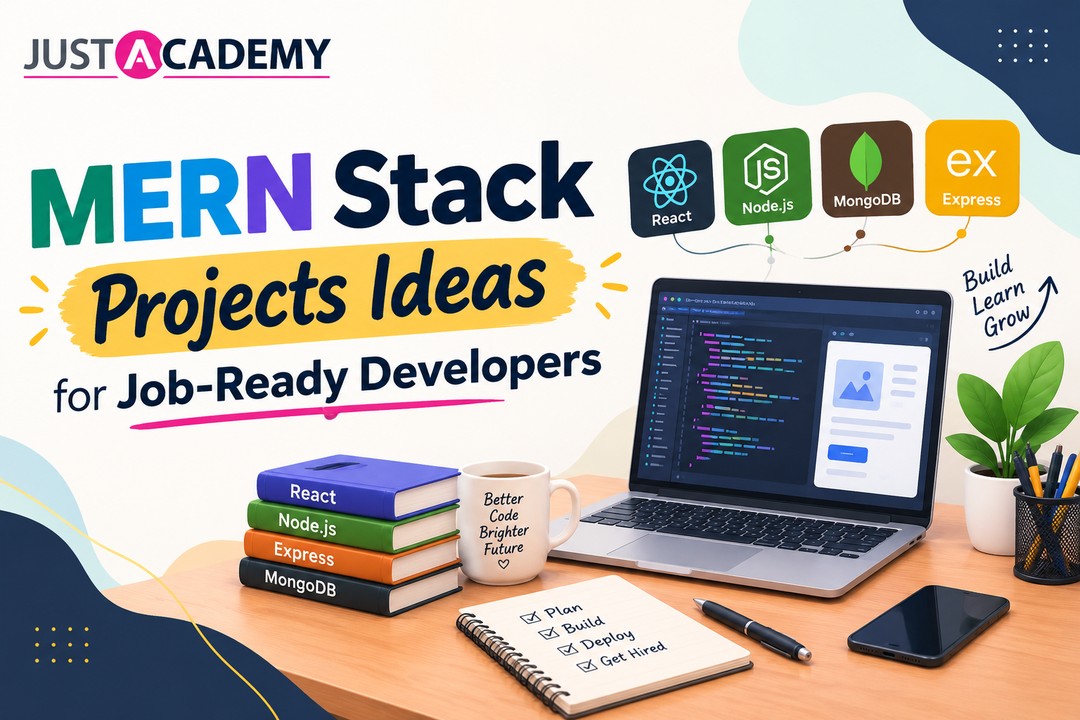
Build production-ready MERN applications with these 20 curated projects designed to help beginners, students, and job seekers strengthen their full-stack skills. These projects cover simple CRUD apps, real-time features, authentication, dashboards, payments, and deployment so you can build a strong portfolio for interviews and placements.
MERN stack projects are valuable because they simulate the kind of work developers do in real jobs. You learn how to design APIs, connect the database, build reusable UI components, manage state, handle authentication, and deploy applications online. This gives you practical confidence that theory alone cannot provide.
A strong MERN portfolio also helps you stand out in interviews. Recruiters like candidates who can explain what they built, what problems they solved, and how they handled features such as login, search, filtering, payments, and role-based access. Even one well-made project can create a much better impression than multiple unfinished tutorials.
Scalability, payments, media handling, analytics, complex logic
Job-ready developers
Beginner Projects
Start with projects that teach the core building blocks of MERN development. These are ideal if you are new to full-stack programming or still getting comfortable with React and Node.js.
Todo List Application.
Notes Taking App.
Weather Dashboard.
Blog Platform.
Expense Tracker.
Recipe Finder.
QR Scanner App.
Movie Booking App.
Fitness Tracker.
Library Management System.
These projects help you practice CRUD operations, form handling, API requests, authentication basics, and database integration. They are also small enough to finish quickly, which keeps motivation high while still building useful skills.
Todo List Application
This is one of the best starter projects because it teaches the essentials of full-stack development. Users can create tasks, edit them, mark them complete, and delete them. On the backend, you can store tasks in MongoDB and expose simple APIs with Express.js.
The frontend can be built in React with reusable components for input, task lists, filters, and buttons. You can also add user authentication so each user has their own private task list. This is a simple project, but it teaches the foundation of almost everything else you will build later.
Notes Taking App
A notes app helps you learn text input, search, categories, pinning, and local storage or database persistence. You can allow users to create notes, update them, delete them, and search through them quickly. If you want to make it more practical, include rich text support and folder organization.
This project is useful because it combines interface design with backend storage. It also gives you a good chance to practice responsive layouts and a clean user experience. In interviews, this project can help you explain how you manage user data and organize content.
Weather Dashboard
A weather dashboard is a good project for learning API integration. You can use a public weather API to fetch current weather, forecasts, temperature, and city-based search results. The frontend can show cards, charts, and icons to make the interface attractive.
This project is especially useful because it teaches asynchronous data handling. You learn how to load data, show errors, and manage different states such as loading and success. That kind of understanding is very important when building modern web applications.
Intermediate Projects
Once you are comfortable with beginner projects, move to more functional applications that include multiple user roles, dashboards, and business logic.
E-commerce Marketplace.
Real-time Chat Platform.
Job Portal Application.
Food Delivery App.
Learning Platform.
These projects are more realistic and closer to what companies actually build. They usually require authentication, role-based access, pagination, filters, file uploads, and better UI design.
E-commerce Marketplace
An e-commerce project is one of the strongest portfolio pieces you can build. It usually includes product listing, search, filters, cart, wishlist, checkout, payment integration, admin dashboard, and order tracking. This project shows that you can handle both frontend user experience and backend business logic.
You can use React for the storefront, Node.js and Express for API endpoints, and MongoDB for products, users, and orders. If you add payment support and product management, this project becomes very impressive for recruiters. It is one of the clearest examples of a production-style application.
Real-time Chat Platform
A chat app helps you learn real-time communication using WebSockets or similar tools. Users can send messages instantly, create group chats, see typing indicators, and receive notifications. This project is a strong choice if you want to show advanced backend knowledge.
The interface can include chat lists, profile views, online status, and message history. On the backend, you will need user sessions, message storage, and socket handling. This type of project is excellent for demonstrating modern application thinking.
Job Portal Application
A job portal is a practical and recruiter-friendly project because it directly reflects a real business problem. Employers can post jobs, and candidates can create profiles, upload resumes, search by filters, and apply to openings. You can also add admin features for managing listings and user activity.
This project teaches a lot about data modeling, file uploads, search logic, and role-based permissions. It also allows you to practice building separate dashboards for different user types. That makes it especially valuable for portfolio presentation.
Advanced Projects
After completing the intermediate level, move on to projects with more complex architecture and stronger business logic. These are the kind of applications that can really make your portfolio stand out.
SaaS Project Manager.
Video Streaming Service.
Stock Trading Platform.
Real Estate Marketplace.
AI Content Generator.
These projects often include subscriptions, real-time updates, media handling, analytics, or advanced integrations. They are ideal for students who want to show senior-level thinking or prepare for product-based companies.
SaaS Project Manager
A SaaS project management tool can include team workspaces, tasks, deadlines, comments, file attachments, notifications, and billing. It is a great project because it shows you can think in terms of products, not just screens. Multi-tenant architecture and role-based access are especially valuable learning areas.
You can design this as a subscription-based application with separate workspaces for each team. This teaches how to structure scalable projects and handle advanced authentication logic. It also gives you an excellent story for interviews.
Video Streaming Service
A video streaming application is more complex because it includes media upload, playback, storage, and often encoding or compression. Users can browse videos, watch content, create playlists, and manage their own uploads. This helps you understand how large applications manage heavy media data.
The project can also include recommendations, likes, comments, and progress tracking. Building this kind of app helps you understand how to work with large files, secure access, and smooth frontend performance. It is a strong addition to any advanced portfolio.
Stock Trading Platform
A trading platform is a challenging and impressive project because it involves real-time data, analytics, and user account management. You can build a dashboard that tracks holdings, buy and sell actions, charts, and portfolio value. It may also include notifications and secure sign-in.
This project is valuable because it exposes you to real-time updates and data visualization. Even if you build a simplified version, it still shows a high level of technical understanding. Recruiters often appreciate such projects because they reflect serious engineering effort.
Project Structure Ideas
When building these MERN projects, keep the structure clean and easy to understand. A simple and professional folder setup might look like this:
client for the React frontend.
server for the Node.js and Express backend.
models for MongoDB schemas.
routes for API endpoints.
controllers for business logic.
middleware for authentication and validation.
utils for helper functions.
public or uploads for files and images.
README file for setup and project details.
A neat structure makes your project easier to maintain and easier for recruiters to review. It also helps you scale the codebase when you add more features later.
Features To Add In Every Project
To make each project more useful, try adding the following features wherever possible:
User registration and login.
JWT authentication.
Search and filtering.
Pagination for large lists.
Responsive design for mobile and desktop.
Form validation.
Error handling and loading states.
Admin dashboard or management panel.
File upload support where needed.
Live deployment link.
These features make your project feel complete and practical. They also show that you understand how real applications are built and maintained.
Learning Path
If you are starting from zero, follow this path:
Learn HTML, CSS, and JavaScript.
Learn React basics.
Learn Node.js and Express.js.
Learn MongoDB and Mongoose.
Build beginner projects first.
Move to intermediate apps.
Finish with one advanced project.
Deploy everything and document it well.
This progression makes learning easier because each stage builds on the previous one. You do not need to rush into advanced projects before understanding the basics. A steady path creates better results.
Final Advice
The best MERN projects are not the biggest ones, but the ones you actually complete, deploy, and understand well. A clean todo app that works perfectly is more useful than a half-finished complicated app. Focus on quality, clarity, and practice.
If you build these 20 projects properly, you will gain strong confidence in full-stack development. You will also have enough material to discuss in interviews, show in your portfolio, and use in job applications. That is what makes MERN projects truly valuable.
Top MERN Stack Projects for Beginners
Best MERN Stack Projects to Build Real-World Applications
Advanced MERN Stack Project Ideas for Developers
Full Stack Web Development Projects Using MERN Stack
What Delhi learners and working developers can realistically earn at every stage, and the skills, stack choices and mentor led training that move the number
From your first notes app to a multi tenant SaaS build, here are the MERN stack projects Delhi learners can build with live interactive guidance and show with pride on a resume.
A practical, human guide for Delhi freshers and working professionals who want to walk into every technical, design and HR round with real confidence, backed by live interactive, instructor led and mentor led sessions.
A practical, honest guide to frontend developer skills, the roadmap that actually works, and how live instructor led and mentor led training can get you hired
A practical, no fluff guide to the front end developer skills Delhi employers test for, and how mentor led, live interactive training helps you build them.
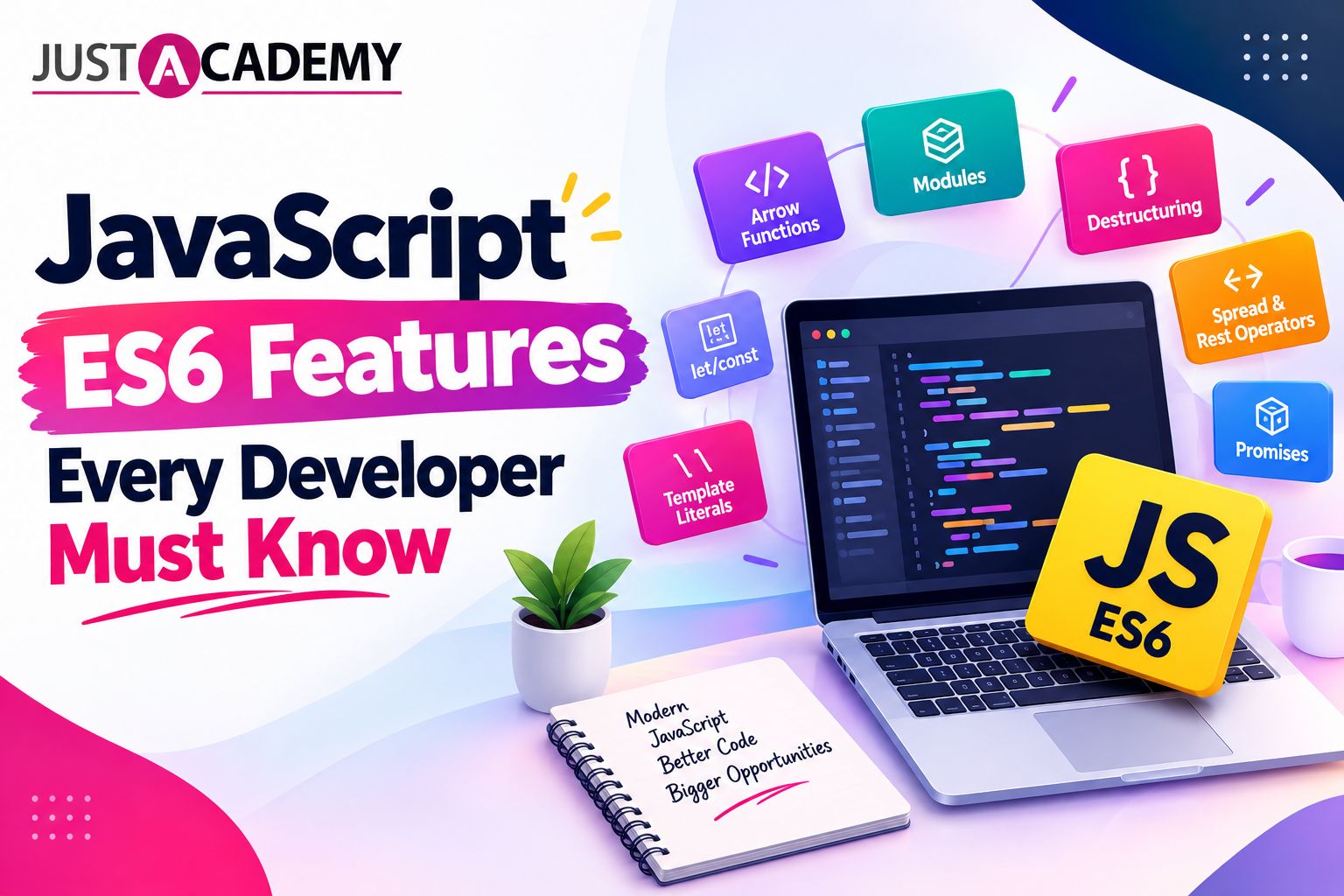
A practical, example driven guide to ES6 JavaScript for learners in Delhi who want to write modern code, think like a developer and get job ready with live instructor led and mentor led training
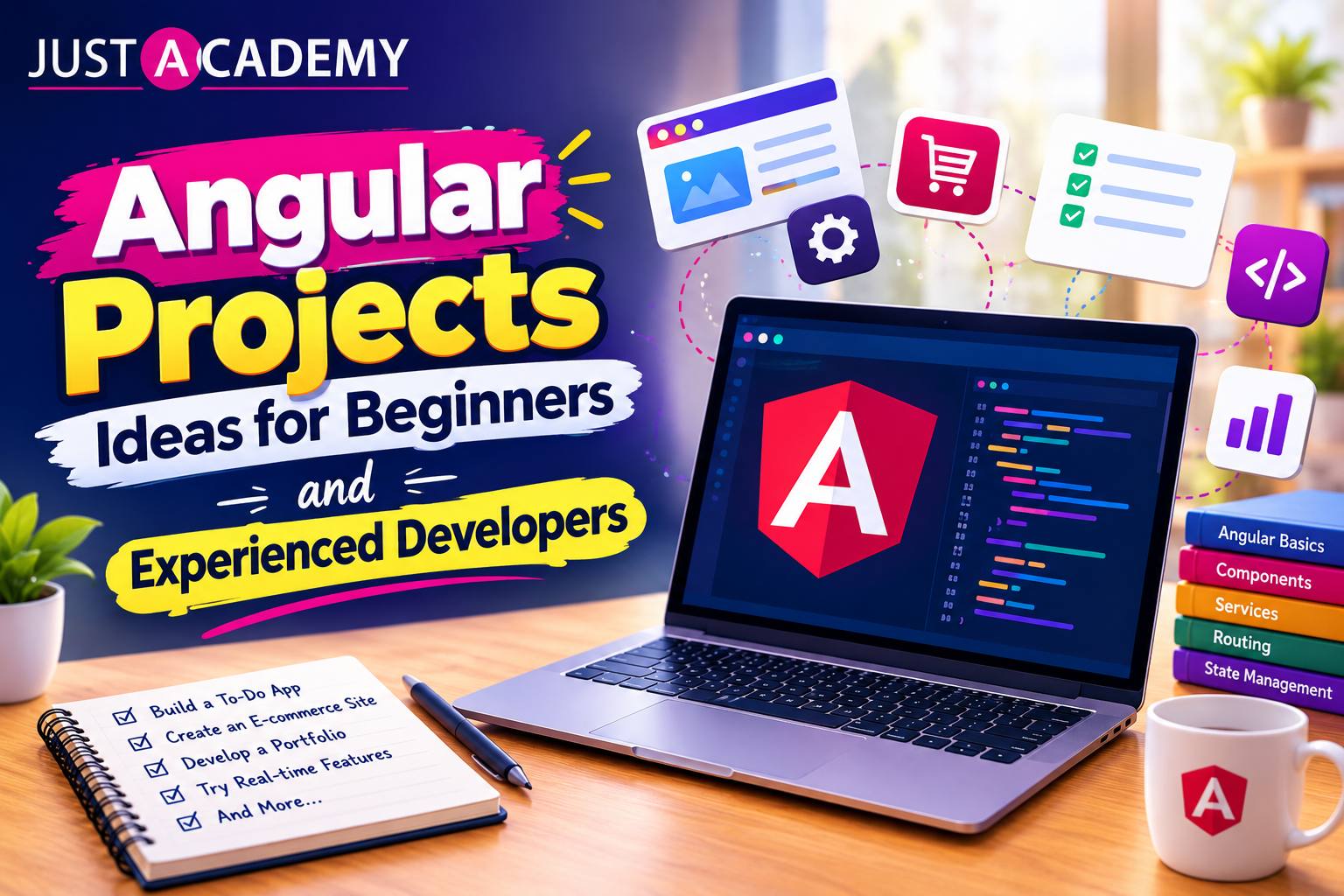
From your first Angular app to real time dashboards, here is a practical, mentor backed list of angular projects for practice, with source code thinking, live interactive sessions and placement support.
Drop us a Query
+91 99871 84296
Available 24x7 for your queries
Want To Connect with us
🚀 Kickstart Your IT Career
with JustAcademy
Learn Industry-Focused Courses with Live Projects & Placement Assistance
Full Stack Java(Java, Spring Boot, Hibernate, REST API, React JS)
Data Analytics(Excel, SQL, Power BI, Python, Tableau)